

Description
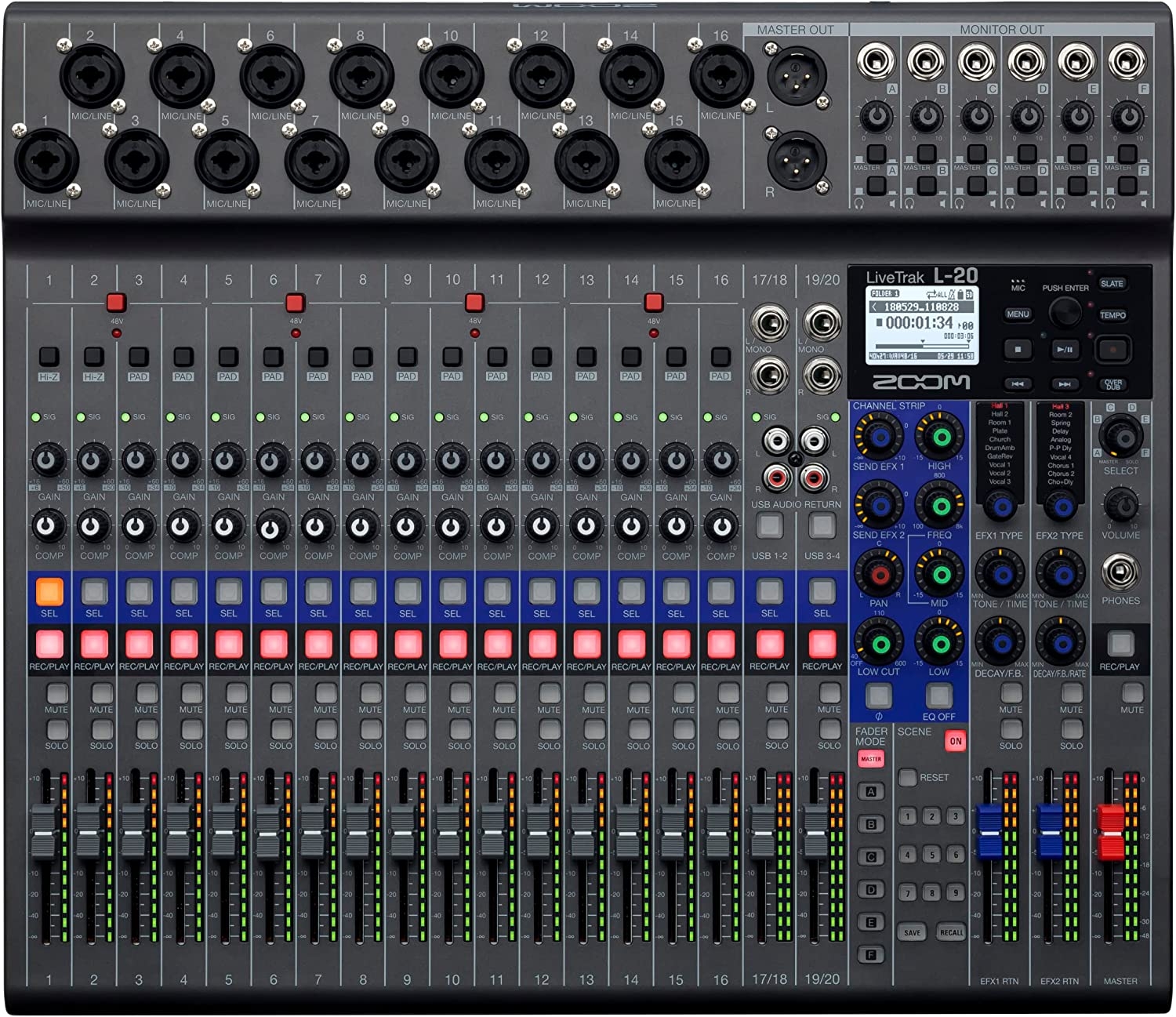
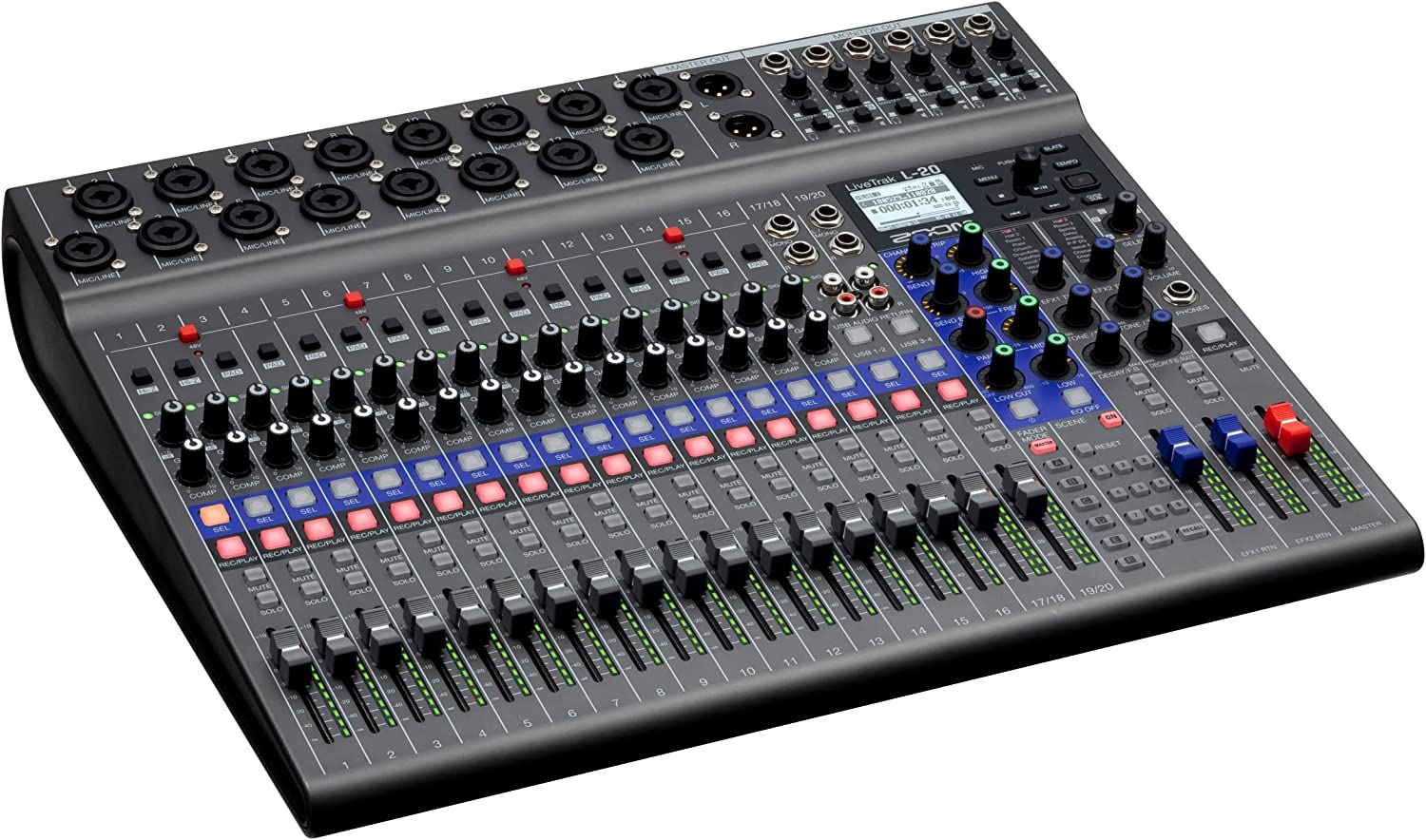
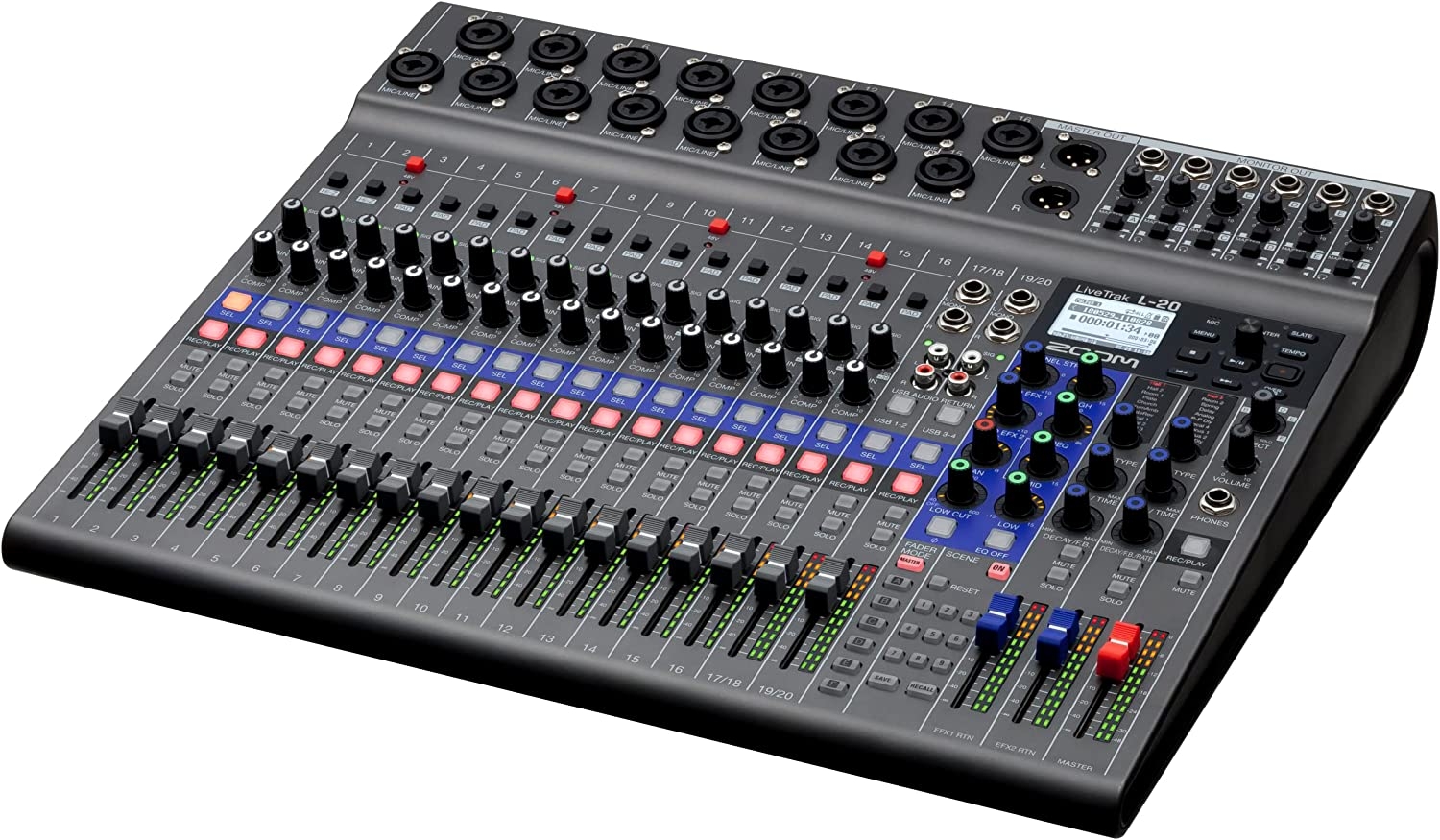
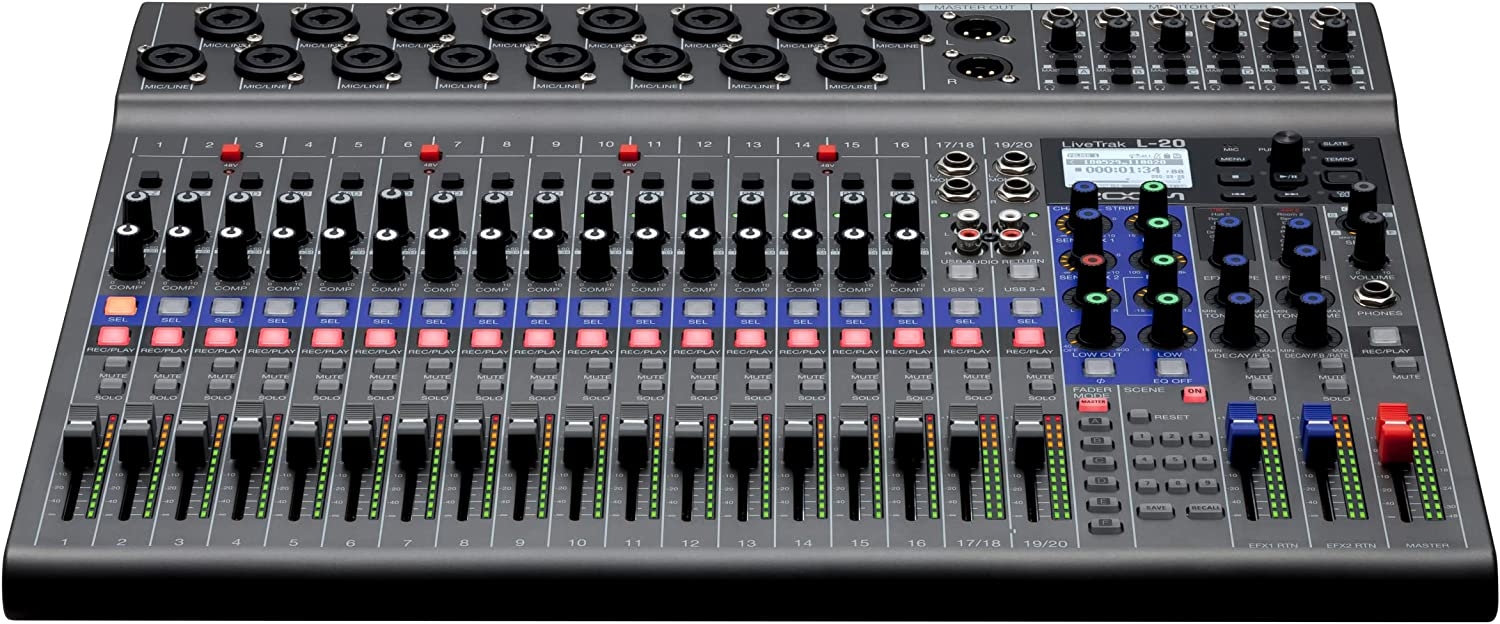
The LiveTrak L-20 is a digital console offering everything creators need to mix, monitor, record, and stream complex productions. With 20 discrete audio channels, 22 tracks of recording, 6 individual custom monitor mixes, a dedicated engineer’s output, it’s built to manage bigger, bolder arrangements. The L-20 also features a 22-in/4-out USB audio interface mode and wireless control via a free iOS app. From stage to studio, the Livetrak L-20 adds more to your mix.
From the manufacturer


Add More To Your Mix
The LiveTrak L-20 is designed to mix bigger. It features 20 inputs (16 mono mic/line inputs and two stereo inputs), all with independent 3-band mid-parametric EQ. The 16 mono inputs offer stand-alone compressor control.
Live Trak L-20
More Board. More Music.
The LiveTrak L-20 is the digital console offering everything creators need to mix, monitor, and record complex productions. With 20 discrete audio channels and six individual custom monitor mixes, it’s built for bigger, bolder arrangements.
- 20 discrete channels (16 mono plus 2 stereo) with XLR or ¼-inch connectivity
- 22-track simultaneous recording, 20-track playback
- Records up to 24bit/96kHz audio to SD card
- Compatible with Remote Mixer app for iPad
- Main outputs plus 6 customizable monitor outputs
- Dedicated headphone output for sound engineer
- Scene saving function, up to 9 scenes saved at a time

22 Tracks of Recording
Record 20 discrete channels plus a stereo mix directly to an SD card.
Mix down finished songs on the L-20 or transfer your discrete tracks to a DAW to perfect later.
Features
|
|
|
|
|---|---|---|
Six Custom Monitor MixesWith six independent monitor outputs for musicians, each output can have its own custom mix, complete with effects, that can easily be switched from a powerful headphone output, to a balanced line output for stage monitors. |
One for the HouseThe LiveTrak L-20 features a dedicated 7th output for the FOH engineer. The sound engineer can monitor the main mix and any of the sub mixes, thus adjusting them to the musicians’ satisfaction. |
Beautiful InterfaceAlthough the LiveTrak L-20 is designed to work as a stand-alone recording and mixing console, it can also be used as a 22-in/4-out USB audio interface. Audio Interface mode lets you route inputs to any DAW or streaming software, even while recording to an SD card. Additionally, audio can be routed from your computer into the L-20 to be mixed with your live performance. Class compliant mode, which enables connection with iOS devices, is supported as well.* *Apple Lightning to USB Camera Adapter required. |


Wireless Mixing
The LiveTrak L-20 offers wireless control* via a free iOS mobile app featuring most onboard functions, including Fader Levels and Modes, Scenes, EQ, EFX sends, returns, parameters, and more.
* Zoom Bluetooth adapter (ex. BTA-1) required.






Will Crowder –
Does what it claims to do, and then some!I deliberately waited to write a review until I had some real experience, both live and in the studio, with the L-20. In short, Zoom knocked this one out of the park. The board does what it claims to do, no fuss, no muss. It just works. Is there some learning curve to climb? Of course. The board’s not only a highly capable live mixer but a high quality recorder as well. It has a lot of features, and it can take a little time to learn how to use them all. But unlike some other products I’ve used, the L-20 makes climbing that learning curve well worth it, delivering results that are very pleasing to the ear.Having six monitor mixes available is a feature I didn’t expect to make that much use of…until I did. I’m in a horn band (I’m a lead singer) and we used four different monitor mixes in a tech rehearsal for a concert tonight. Being able to say “Sure!” to everyone’s requests for “more of this, less of that” even when those requests were conflicting with each other was very nice indeed, and not too long ago it would have been either impossible or would have required a significantly larger board. The L-20 is compact, but not so small that it’s hard to use. There are a few gotchas to watch out for (e.g., make sure you know which mix you’ve selected to adjust; some hilarity ensued from a failure to do just that tonight) and that leads to the suggestion I have for Zoom: I’d make the VU LEDs a different color when a monitor mix is selected rather than the master, just to give a clear visual indication to the operator that they may not be adjusting what they think they’re adjusting. But that’s a nice-to-have, not a must. I also have to say that Zoom’s method of combining recording level and live level on a single VU meter is pretty ingenious.In closing: If this board has the features you want, you can count on it to deliver the results you need. It simply Works As Advertised, a “feature” that is sadly lacking in many products nowadays. Zoom claims they are “for creators”. As one, I’m glad to have them on my side!
Bearz Garcia –
Awesome little recorder!Once I got the SD card, I waz able to get it going and get a good recording. Very simple to set up and uze. Very affordable solution for a band just starting out, or a mobile recording scenario. You real can’t beat the price with all the featurez it haz.
VF –
L20 A Great Recording BoardJust a little background to put my review in perspective.I have run and taught audio for churches for about 20 years. Also, occasionally I have played a little rhythm guitar during worship services.My purpose for purchasing this Zoom L20 board was to replace some older equipment for doing some home recordings. Sometimes it’s all live instruments and vocals. Other times I convert some MIDI files to audio and bring them in and add music and voices. This board is easy to do all of this and more. I like the onboard effects although it could have a few more. Having compression and EQ built in is very handy. Being all digital keeps my recordings nice and clean. Having 6 headphone outputs that can have their own mix makes it great. My wife, daughter and granddaughter all like a separate mix and this board makes it easy to do. It is also very easy to add tracks at later dates and to edit existing tracks. Plus, you can save “Scenes” with the project so you can come back to it at a later date, and you will have your settings. While I have not found a way to use the board to transfer one track to another, it is fairly easy to do. You just “export the project” to a USB. Then insert the USB into your computer to make changes. Example: To change from track 1 to track 7 change the track name from TRACK01.WAV to TRACK07.WAV. Then “import the project” back to your board. If you try to import the project into an existing “Folder” it will state “The project Exists”. So, you can either pick a different folder, or to import it into the same folder, change the project name, or delete the exiting project. Make sure you back it up first. What I found really helpful is the ability to do a master recording, with appropriate effects and panning for say the drums, base and rhythm guitar. Then export the project and change the name from MASTER.WAV to TRACK17_18.WAV. Then import the project. You will now have that master stereo track show up on channels 17 & 18 in stereo. There are probably other ways to do some of this manipulation on board. I just have not had enough time to play with it yet. There are lots of other features that I like but not enough time to list them now.I hope you find this review helpful.
DJ Flip –
Love itI had been wanting this for a while. Finally got it and I love it. I wish the rack mount was included though. Rack mount cost me an extra $99 and also had to buy the carry case and bluetooth adapter separately so that added up a little more but I had to and would recommend you buy all those extras as well. I wish some of those extras came included or in a package deal.. But I still love it and highly recommend this product. Get yourself an ipad too.
S. T. Callahan –
Excellent mixer for the moneyThis is the first thing I’ve bought in years that I feel so confident in recomending to other people. The silver lining in having my home studio destroyed by hurricane Mike is being able to move my equipment into the 21st century. I needed something that would give me at least 5 individual monitor mixes and be able to record with it. I needed to replace my Yamaha AW16 digital recorder and Mackie VLZ mixer, Behringer headphone amp. The band is all electronic now with a new electonic drum kit so I wanted something like the now defunct Jamhub for rehearsing silently. Now that there are no trees or fences you can hear everything in the neighborhood. I love Zoom products, I have a handheld recorder, USB interface and bass pedal at the moment. This mixer is same quality of sound. My day job is as a house soundman for a small 450 seat theater. I could use this mixer easily for the theater work….plays, dance groups, speakers, smaller music groups even. For my band it is amazing, we each have our own mix and the recordings sound great. If you want to use this for live gigs I’d recommend adding at least a dual 31 band eq and/or a speaker mngt rack unit inline for the mains because there is no built-in eq, feedback destroyer, limiting or gates for your main outs… you can re-eq each channel in monitor mixes but it is limited in ability to squash feedback with no real parametric eq. It is not a road ready mixer but mine isn’t going anywhere anyways. I wish you could control from android pad but maybe in the future they will update that. Best gear purchase I’ve made in years.
wile –
Perfect in every wayFor me the l-20 is an absolute perfect console. I have been recording at home and playing shows for 30 years. Been through Roland vs series, korgs and tascams for recording. And just about every brand for live situations. I now use cubase as my daw.This livetrak is like a blast from the past with every modern feature. But where it shines most is how easy it was to learn how to use it. The one thing I will warn those of you who come from multitracking is, you cannot bounce tracks, so if you get the l-8 you get 8 tracks, l-12 12 tracks etc. Which is why I went with the l-20. I record everything on the console, then link it to cubase for final mixing. But you can do everything on the l-20, even matter mixes with a press of the button. I cannot think of one thing zoom didn’t think of ahead of time. Kudos zoom for making my life better.
MyZwave-Net –
Fantastic mixerWe use this for our jam band and it fantastic. Our previous mixer (Xair 18) worked as a DAW but had to be connected to the PC to record. Just another failure point in the loop so we dumped that and went with the Zoom L-20. Now we dump our tracks to an SD card and it also produces a master mix for quick listening. Overdub and on-board remixing is fantastic, only drawback is the bluetooth range isn’t all that great
B. McConnon –
Best of all worldsMixer, 20-track recorder, and computer interface. I use it as all three for various home studio tasks and it works great. Love the immediate access to recording without setting anything up or dealing with software for quick songwriting sessions. Transfer, overdub, and mix in the computer. Sound quality is fine for most purposes. Awesome!
Shazamazon –
Zoom L20 rocksIn love with this board. Amazing utility. Recording studio in one.
David Blood –
Works great as a live mixer and recorderIf you need a board that can mix a live show and record it in multi-track at the same time, this is your board. The pre-amps sound great, the recording was pristine, and the live sound was kick ass.