


Description

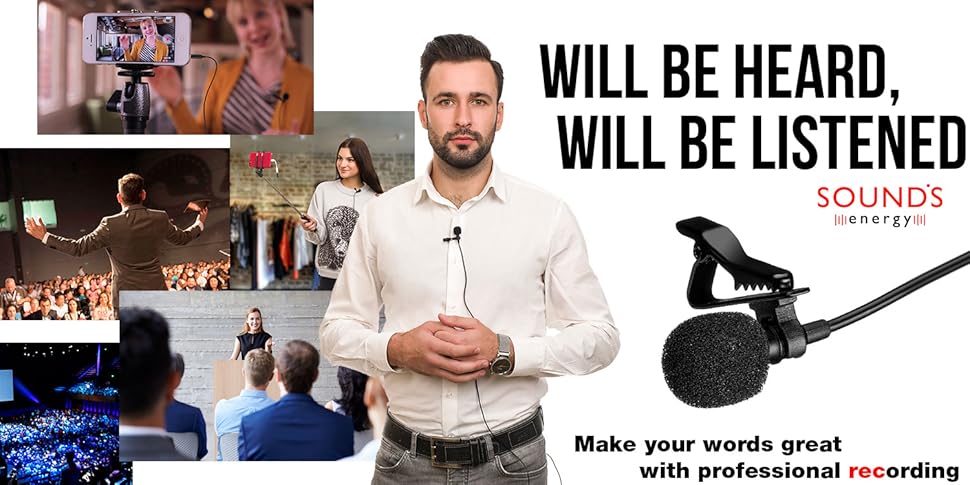
SoundsEnergy microphone – Professional lavalier microphone for quality sound recording Interview, Podcast, Speech, Conference, Vlog, Video
Professional result!
SoundsEnergy microphone is ideally suited for professional grade sound recording in all situations.
Interview, Podcast, Vlogging, Movie shooting – SoundsEnergy lavalier microphone is the ideal for all audio and video recording needs.
Fully compatible with Apple and Android devices.
SoundsEnergy mic is compatible with Apple devices (iPhone X, iPhone 8, iPhone 8 Plus, iPhone 7, iPhone 7 Plus, iPhone 6S, iPhone 6S Plus, iPhone SE, iPhone 5S, iPhone 5c, iPad Pro (10.5″, 12.9″), iPad mini, iPad) and Android devices (Samsung, HTC, Sony etc).
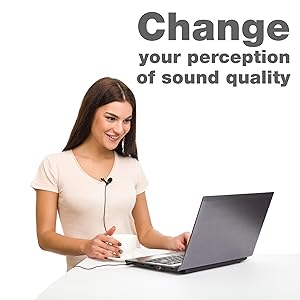
Also SoundsEnergy mic is compatible with laptop, PC, voice recorder.
For this you will need an SoundsEnergy microphone adapter (TRRS to TRS microphone adapter).
Use your microphone fully!
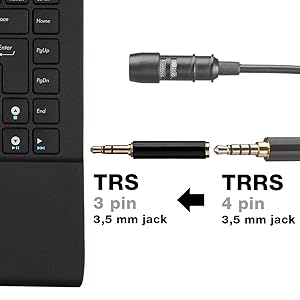
If you want to connect a microphone to a laptop, PC or a voice recorder (with 3PIN (TRS) audio input), you will need an TRRS to TRS microphone adapter (4PIN to 3PIN).
Connect the microphone adapter to the audio input of your device, and then connect the microphone to the adapter.
Use your microphone at maximum!
Quick Start Guide
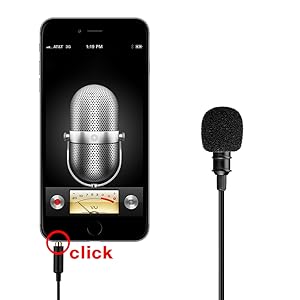
Step 1 – Connect
All you need is to plug the microphone into the audio input of your device fully (until you hear a click). Ensure the protective cover does not prevent it.
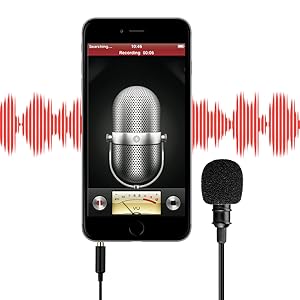
Step 2 – Record
Open any mobile app for recording audio / video (e.g. built-in Camera app for iPhone and iPad or Voice Record Pro, FiLMiC Pro, ProMovie, MoviePro etc.) and start recording.
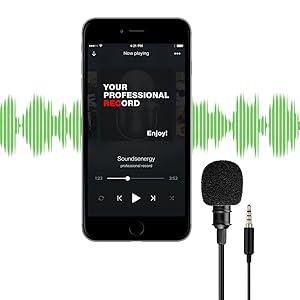
Step 3 – Listen & Enjoy
To check the recording, be sure to disconnect the microphone from the device (pull out the plug) and listen to the recording.
To adjust the recording level, place the microphone at the optimum distance from the sound source or use the recording level adjustment in the app / device.


Reviews
There are no reviews yet.