

Description
From the brand
Product Description

5MP 30X Optical Zoom PTZ WiFi IP Security Camera Outdoor
Great security camera, perfect for the area you want to protect, monitor and keep your property safe!
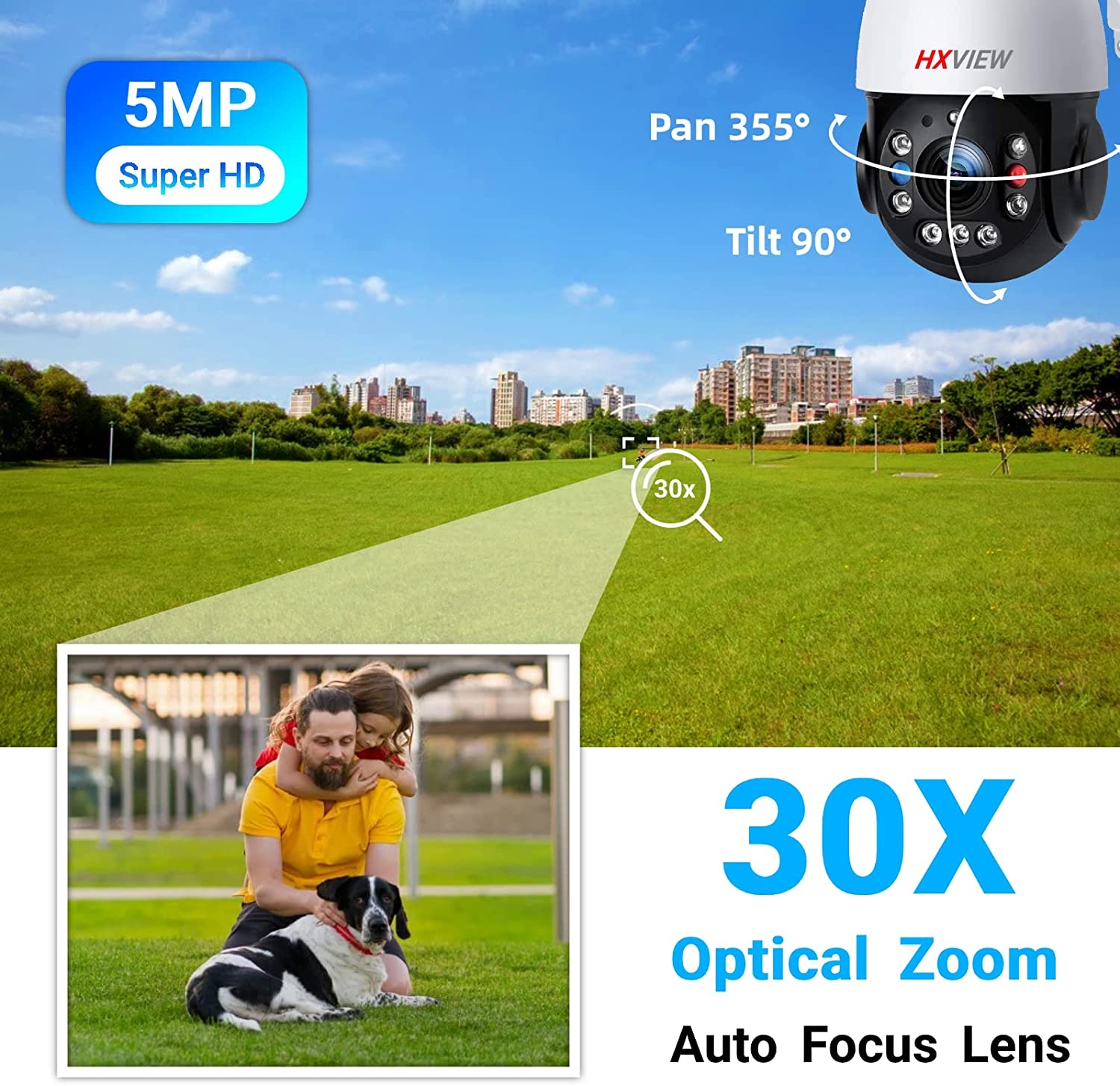
- Resolution: Maximum 5 megapixel (2560*1920) image resolution, 15 frames.
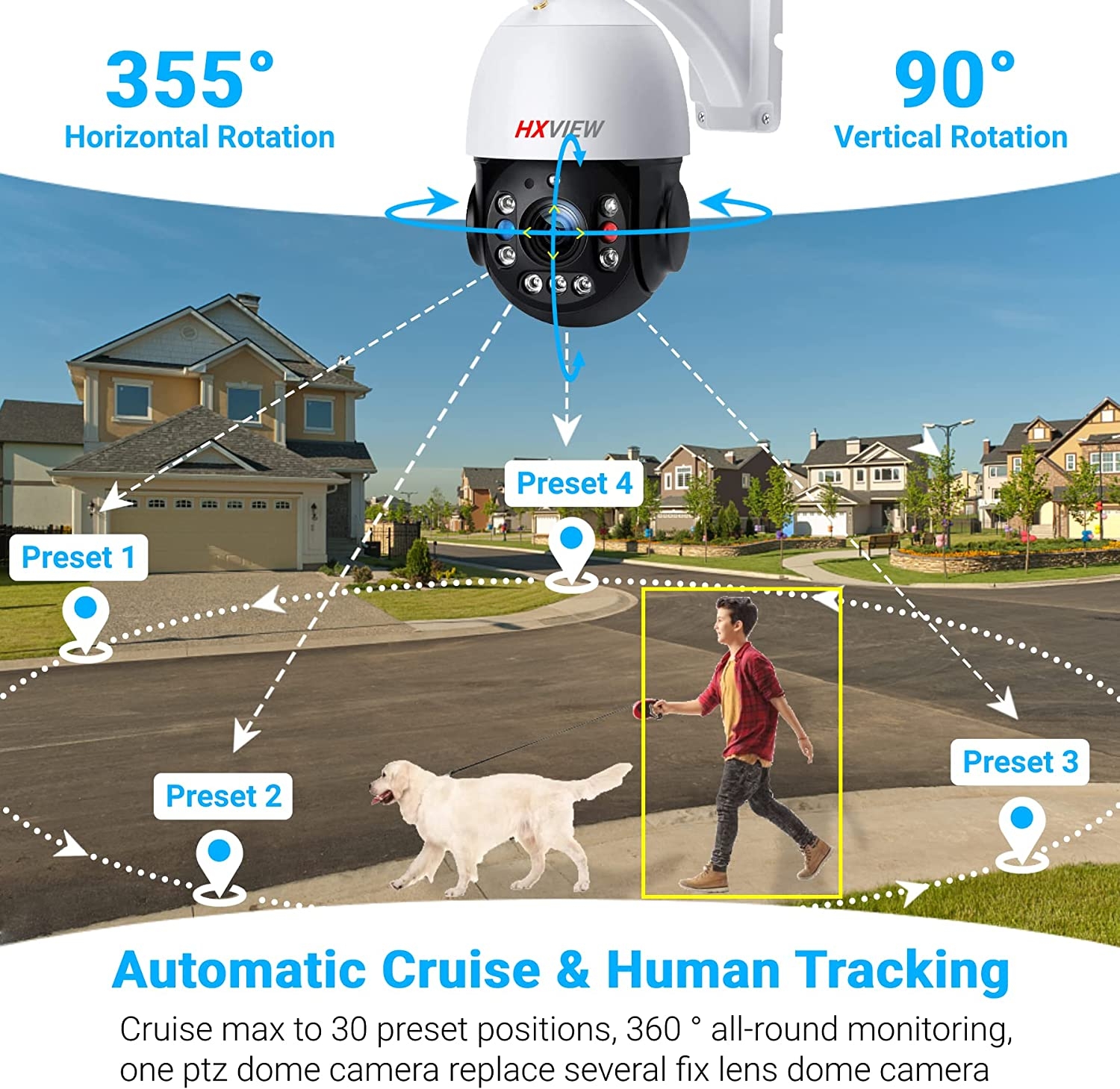
- Pan & Tilt Controls: The ptz wireless camera can be remotely controlled for 355 degree pan rotation and 90 degree tilt rotation.
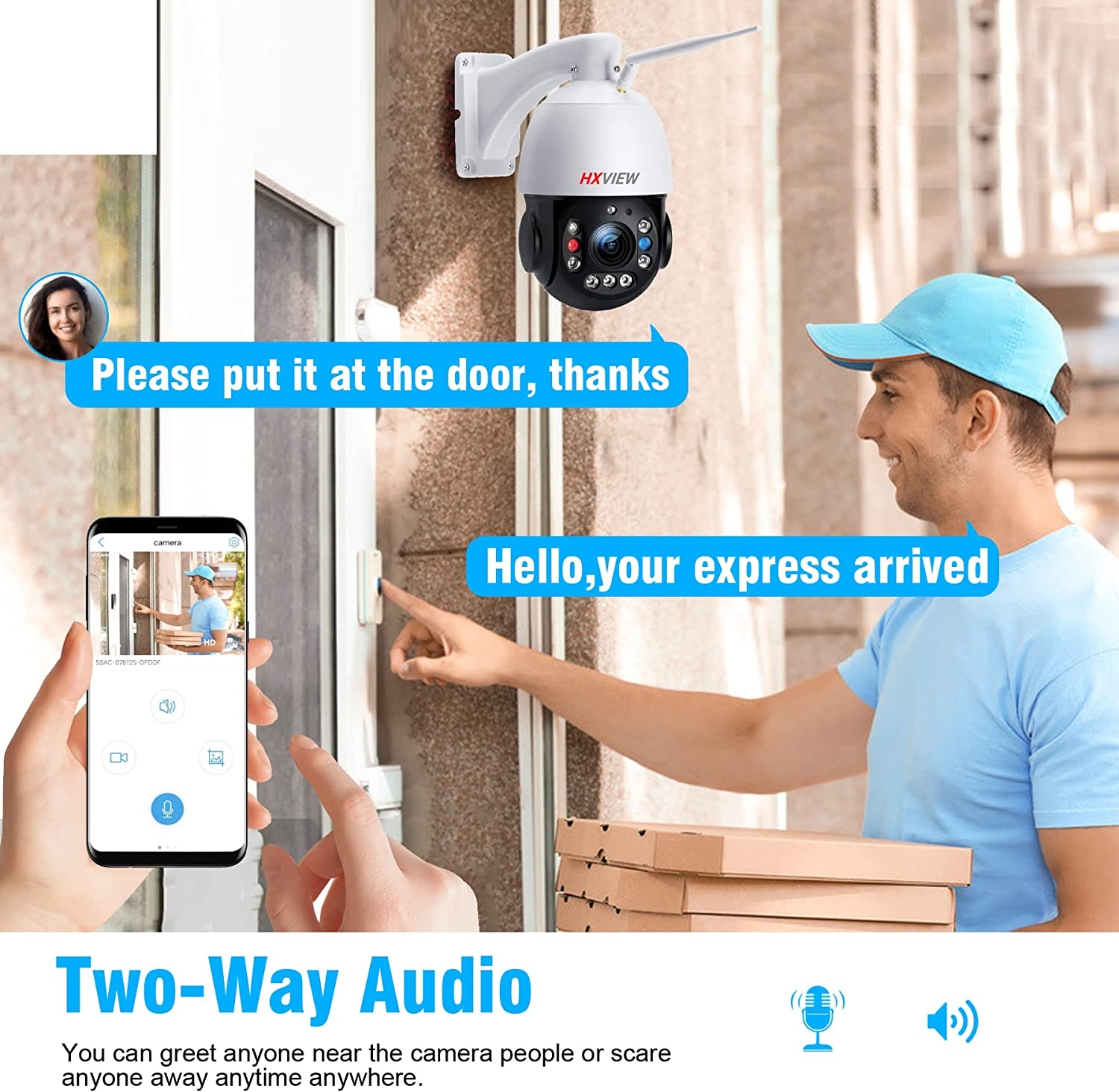
- Two-Way Audio: ptz camera with built-in input speaker and microphone.
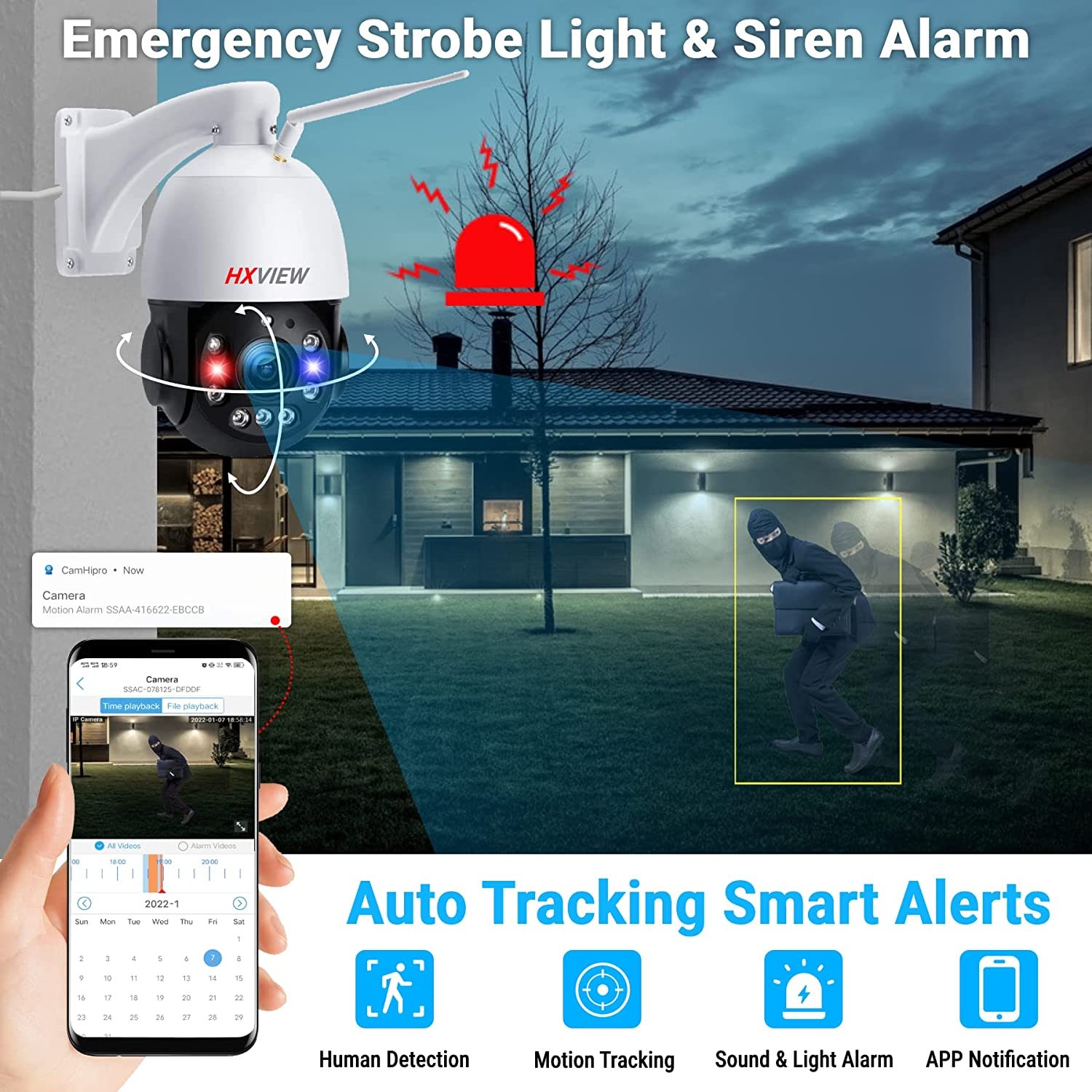
- Alarm: Humanoid detection alarm, no alarm will be issued due to the intrusion of animals such as dogs, cats, etc., reducing false alarms.
- Night Vision: built-in 2 laser IR lights and 5 enhanced IR lights, 1000 feet night vision.
- 30x Optical Zoom: IMX335 sensor, auto focus lens.
- Wi-Fi 5DB Antenna: stable performance with Ethernet connection, only supports 2.4GHz.
- Storage: Micro SD card, (slot up to 128GB), supports NVR, PC, FTP, NAS storage.
- APP: Provides free Android/iOS APP (“CamHi” or “CamHipro”), free Windows/Mac client “HiP2P Client”, supports Firefox, Chrome, IE browsers.
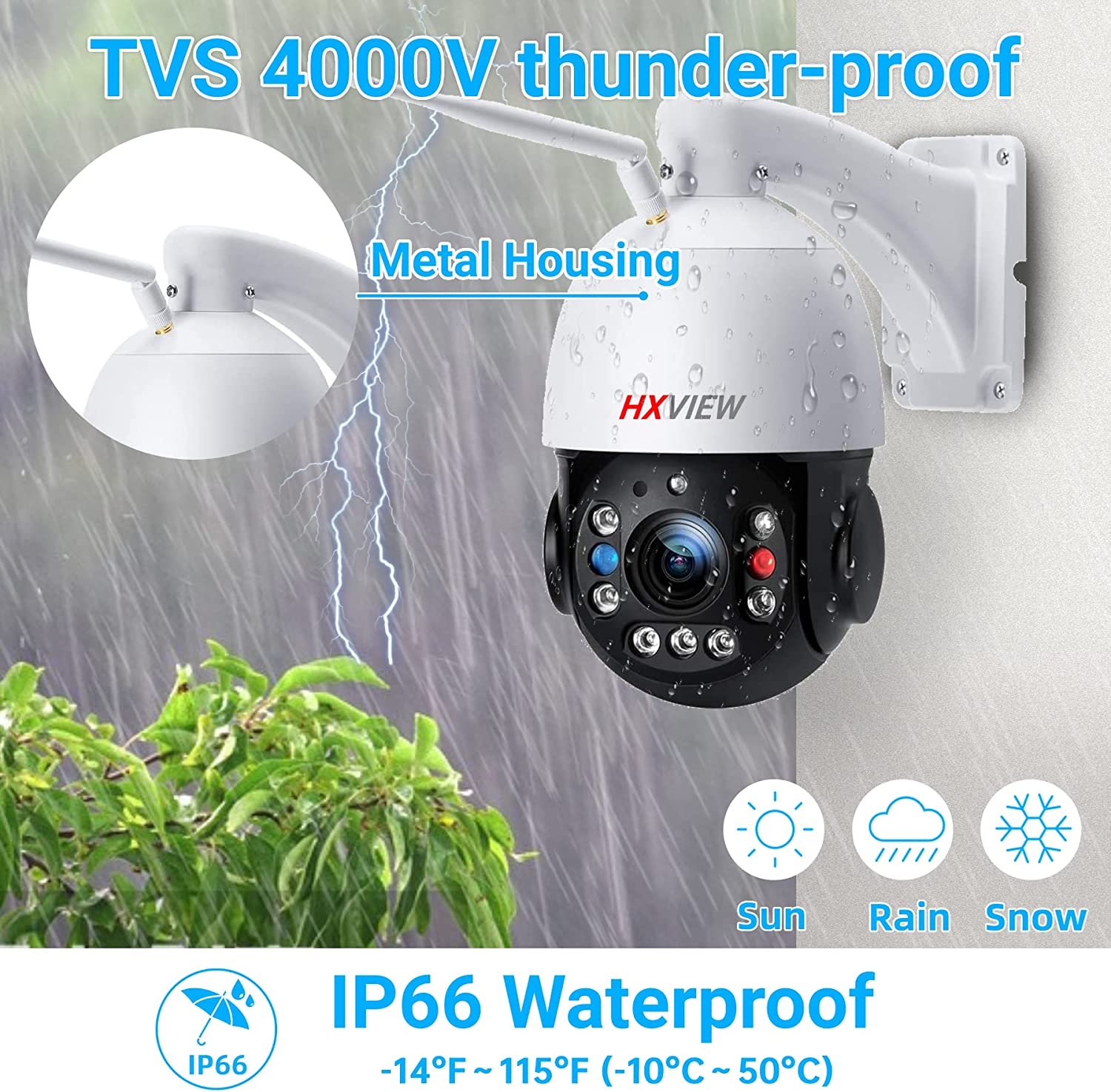
- Housing: Metal housing, perfect IP66 waterproof rating, 4000V TVS lightning protection.
Important Note: 24 hours technical support, if you want to return the camera, please ask HXVIEW for help first

Automatic Cruise & Human Tracking
- Guard point tracking mode: set a guard position (for example, set entrance/exit as guard points), when the ptz security camera detects a human in the video area, the outdoor ptz camera will automatically track people until the target is lost, after 3-8 seconds camera automatically rotate to the guard point.
- Cruise tracking mode: set a cruising areas (for example, from A-B on road), When ptz outdoor camera detects any person presentation, the camera will automatically track the people until the target is lost, and then re-cruise automatically after 3-8 seconds.

30X Optical Zoom & Laser Infrared Night Vision
- 30x Optical Zoom: When you zoom in to see more detailed information, up to 30x optical zoom and autofocus make it easy to zoom in on your subject and get a 1:1 image without damaging it.
- 1000FT Super Distance Vision: Even in the dark, night vision with 5 infrared LEDs and 2 laser LEDs can give you super clear vision.
More Features
|
|
|
|
|---|---|---|
Smart Alarm
|
Multiple Storage Methods
|
Well Compatible
|


5MP Full HD to Watch the World

Scan for Shared Devices

IP66 Waterproof & Metal Housing

Various Installation


What’s in the box ?
- 1×IP camera
- 1×power adapter
- 1×5DB WiFi antenna
- 1×LAN Cable
- 1×bracket and screws
- 1×Waterproof kit
- 1×User Manual
5MP Super HD Outdoor Security Camera with Pan Tilt Zoom
You need to plug the power adapter that comes with the Outdoor WiFi PTZ camera into a power source to work! It is not battery powered, nor does it support solar energy!
Little Note For You:
- Emergency strobe lights/siren can be turned on or off manually
- A total of 255 presets can be set per camera, but only 1 patrol, with a maximum of 30 presets per patrol
- For longer service life, the automatic cruise function is not recommended to be turned on continuously for 24 hours
- The outdoor wifi ptz camera only works with 2.4GHZ WiFi, doesn’t support 5GHZ WiFi !
- Not support TVI/AHD/CVI/Analog DVR compatible.
- “Wireless” refers to the wireless connection between the wifi camera and the Internet, without personnel installation and wiring costs, so that you can easily complete the wifi camera installation.
- IE brower view:Directly enter the ip of the camera in the website to review view the camera from web
- There comes with a reset button on the camera tail,and if you cable connect the camera,the camera hotspot will not be seen anymore,if you want connect with camera hotspot,disconnect the cable pls
- The camera is a standard 12V-3A input voltage. If the camera is more than ten meters away from the router, there will be voltage loss.
- If the wifi signal is too weak, you can consider using a wifi signal booster or use a LAN cable to connect the camera
- An external POE splitter kit can turn the wifi camera into a POE camera
- Add P2P PC client software for Windows and MAC OS, allowing you to view the camera and make some settings on the PC/MAC device.



Lane –
SOFTWARE is the key as to how well these work and how easy it is to implement.Confusion seems to be the key. Not to be confused with “Confucius.”There is LOADS of misrepresentations as to the operation of these cameras AMONG the reviews, and unfortunately I have added more than my share of them. But they could have been more clear with their instruction had the company in CCP owned China had only hired a good Tech Writer here in the USA to write their manuals.THAT IS WHY I only gave them four stars.The cameras seem to be amazing to me but the manuals, if you can find them and if you can understand what they are trying to tell you, are SADLY lacking.HOW TO ATTACH THESE CAMERAS TO YOUR WIFI ROUTER.1. Connect the cat 5 cable from the cam to the router.2, Download and install P2P CLIENT.3. setup YOUR area in the region. Do a “Search” for the camera. If no camera appears in the IUD section then you will have to input the IUD manually and modify the device to give it a proper name. Select the camera under the IUD section and click “ADD.”4. Go to Parameter Settings and click on WIFI. There you enter the SSID & PASSWORD of your wireless router and click “apply.”Now you can disconnect the cable and complete the setup using P2P CLIENT.ITS that simple but it took me a while to figure it out for myself because the manual sucks. So does the AMAZON Tech support and as far a I can tell so far so does the CCP tech support.UPDATE TO MY RECENT REVIEW. This date 10-21-2022Cannot get the alarm sent to my email working. I FINALLY got the Google account setup and the 16 bit code for the P2P CLIENT rev 6.5.1.4 entered. All according to the PDF file that tech support sent to me. However, the test sent to my email server still FAILS to work. I know that I am impatient but come on this stuff should be worked out by the mfg., or seller, or AMAZON before now.Don’t you think? I will let you know if I ever get this problem addressed.10-23-2022 New update to my problems with my cameras, p2p client, and GOOGLE email system.I have now researched this problem online but after reading some of the complaints/searches for answers, I have found NO ONE that has a pat answer for this problem. Yes, I still have the problem of no email alerts being sent to my GOOGLE email account.My iPhone works fine connecting to the cameras, far far away from the installation and locally (both work fine using the app) they also work fine on my local computers using the p2p client.But NOT the email setup and NO ONE can explain to me how to fix it. Their SO CALLED tech support only directs me to the worthless manuals for instructions. I have followed all the instructions, reset my cameras to factory specs deleted and re installed the software several times all to no avail. I have stopped repeating the same steps over and over while expecting a different outcome. Now a new problem has developed. In the device management, I can no longer change the username (admin), or password (admin). I am not sure if that problem is software or hardware I will do more troubleshooting tomorrow.2023 – January 08, UPDATEI now have almost 60 days of operation with these cameras. I have only had one problem with one of the cameras and it is on going. While using the Client P2P program one of the cameras has a “CONSTANT” alert light on the “display status bar.” I have reset the system, deleted the cameras from the program reinstalled the program, performed a total reset the camera to factory default. Reinstalled the camera and it set the alert immediately when I brought it online. Camera Problem? Could be I don’t know for sure. I am not sending for a replacement yet because it is not that big of a problem to me. I really like these cameras, setup is a bear but after setup they are fine. I used my own instructions during the re installation of the camera and they are still good instructions. If you want a good reliable (so far) camera this is the one to get I think you will be happy with the price vs. quality and performance.
National Park Photographer –
A VERY GOOD VALUE FOR THE COSTI have had this camera for over a year. Overall it has been better than expected for its price. The picture quality is excellent with great resolution, contrast, dymamic range and saturation. The mechanical features are also very reliable. Full 360 degree pan, strong vertical support for ground to sky views, and a wide optical zoom range with an additional digital zoom that really shows detail at a distance. My bird feeder is 30 feet from the camera and I am able to fill the frame with a single bird. The camera has lots of other features that make it outstanding for security. It supports preset points that I can set. Then I can have it rotate from point to point continuously scanning for any movement or just what it perceives as a human. When it finds a target, it stops on that person and zooms in for a closeup, all the time recording. If the person moves, the camera follows him in any direction. Only when the person is no longer in view will the camera continue its preset scanning routine. At night the IR illumination is excellent. It reaches far out, over 50 feet to cover my entire yard. But if I Walk outside, all I see is darkness. The IR illumination is not visable to the human eye. A special feature that may be turned on or off is a warning signal to alert intruders that they are being recorded. If activated, when the camera detects a human it flashes red and blue led lights while pointing toward the person. As they try to move to avoid the camera, it continues flashing to show them that they are being followed. I think that this is a valuable deterrent and may stop intruders from trying to enter your house or office.I have had one problem with my camera. On occation, the camera would drop my house Wifi and go into a default mode where it moves throughout its entire range and sounds a loud tone once every minute. I suspect that this is its notice that it is back in setup mode. To reconnect the camera to my Wifi, I need to go through the setup procedure again. Fortunately I don’t lose my preset positions. So, they are again active after the camera reconnects to my home Wifi. This problem has happened a few times. I have sent emails to the manufacturer’s suppoort team and have always had quick and helpful answers to my questions. However, due to the fact that the problem has continued, I had to request that they replace my camera with a new one under the warranty. They were most agreeable and sent me a new camera.UPDATE 12/2/22 – I had several email conversations with the manufacturor, who was very eager to insure that I had a good working camera that installed with little difficulity. After receiving the new camera, I followed the well written and illustrated instructions and was able to easily connect it to my home Wifi system. I have tested its various features and have found no problems. I suspect that my earlier issues were with the old camera’s firmware and the phone app used to install it and control its function. Since this new installation was very easy, I am guessing that some bugs were removed from the firmware and phone app. In any case, I can now highly recommend the camera for both its ease of installation and robust features. I have used other simular cameras to watch my bird feeder and scan my back yead for intruders. This camera is far above the others in both its ability to automatically zoom in and see distant objects as well as patroling the area and detecting, warning, and recording all intruders. I enjoy checking the recordings each morning to see the various wild life that roam through my yard during the night. It has recorded deer, racoons, skunks, possums, woodchucks, dogs, cats and turkeys. I never imagined how many animals were visiting during the night.Because of the bug fixes to the software and the extra way that the manufacturor worked with me to resolve my problems, I can highly recommend the HXVIEW PTZ Security Camera.
PDGx –
Good, but Not quite as goodThought I’d try one of these as they appeared to have better night vision specs (1000’ vs 328’), zoom (30x bs 20x), and quality (5MP vs 2MP) than the Alivision PTZ cameras.I swapped out an Alivision with one of these in October ‘22. Immediately thought it was not as good as the Alivision camera, but continued to adjust/tweak it. After about 4 months, I swapped the Alivision camera back into this location, as it is one of the more critical cameras (of 7).Even with lower specs, the Alivision camera did better with night vision, and is clearer with day time clarity. It only lacks in total zoom, but not that bad.You can compare the attached pictures for your self.I believe the Alivision camera is a better camera.
Dan M. –
Okay but has issuesThe zoom is good, picture is clear. Software for phone isn’t great for security purposes. Almost impossible to find what you want while replaying video because it doesn’t have any markers for where motion was so you have to watch the video in real time for a long time to find what you want. Why you wouldn’t just make it have the basic features any dvr would have is beyond me as that is industry standard stuff. Oddly enough, even though it’s supposed to work with ONVIF it doesn’t work with any other software I have that other camera’s with ONVIF work with just fine. The other big issue is that when zoomed all the way out it doesn’t have a very wide field of view. Most any camera this style I’ve had can see my entire driveway zoomed out but this cannot by a good bit. Sure it pans which does somewhat make up for that, but not really. I just would like to be able to see my car and a few feet on either side. A wider FOV would be great. I also wish it would angle a little higher than it does, zoomed in you won’t see anything higher than the camera itself sits. This is the first camera this style that didn’t go higher than level on the vertical axis. Beyond that the camera seems okay. Frustrating that there isn’t any camera even close to the old cctv systems back in the 1980s as far as features and quality anymore. They all connect to the internet and lack basic controls that were always standard things.
User007 –
Good zoomWorks pretty well.Having to look at the manual for the special code for various operations (e.g. police light on/off, auto tracking,…) lacks usability and is anoying (although most people won’t need to change that once the initial setup is done).It took me a while to figure out how to use the app as a number of items are not intuitives (e.g. where to find recorded image/video/… where to find the ones you save,…The iPhone app stetch the pictures to a large rectangle (the camera capture a square) so things appear significantly larger then they should (until you convert the video from proprietary format to a standard format). On that topic, you can’t just put the sd card in a pc to view the videos (it work for images, but the video are in a format VLC doesnt know how to read). There should be a way to see the video in the original format without downloading and converting.The web app works good for direct viewing but lacks access to any historical data.I haven’t tried the PC app, so can’t comment on it, but i am always concerned that it requrie installing a dedicated app to view.Can only save content from the last few hours, haven’t found a way to get it to let me download older content (even if i can still see it using the historical view). This is means that even if it has data from a few days ago I don’t have a way to download it (I can view it on my phone but not download it). There should be a way to get to download any content on the SD card.Initially the zoom was less then 30x, but after a recent reset it seems to be able to zoom further than before. I am not sure why, or how, but now I can zoom in better than before for some reason.Installation was annoying as the drill would need to be where the dome is in order to screw the screws straight. Clearly the person that designed it didn’t try installing 50 of them or they would realize it’s a bad design.Overall a decent camera with a very significant zoom. The software needs some work, but can do a decent amount of things if you have the patience to learn.
Shon Goldsby –
Well I bought 3 and have another on the way.The Camera is fairly easy to program, there is still some more testing and checking out different aspects of the camera. If anything that would be nice is that I would like to put the camera on patrol at a specific time. Since you can specify recording time I would say making a few changes to the app in that area would be beneficial and keep the camera online longer instead of making it work 24/7. Just a thought.
Dan Picker –
Good day and night vision, great zoom – once set upThe first out of box impression is that this camera is big. But once it’s mounted it doesn’t seem so big. It takes beautiful clear video day and night video and the zoom is pretty amazing. I’d say it’s closer to a 20x than a 30x zoom but still fantastic.I haven’t set it up for live streaming vorr the web, so can’t comment on that. But for my usage the the associated app makes it very easy to download video the camera takes to your phone. You definitely want to use the app for that because otherwise you’re left with h.265 raw files that you need to convert to mpeg4.One annoyance – this camera defaults to flashing red and blue lights (think police) on detecting motion All of that can be disabled, some through easy checkbox settings (for example motion thresholds) but turning it off completely requires that you find and send preset codes to the camera that aren’t documented as well as they could be. Fortunately the support is excellent and they are very responsive. All of this could be baked into future versions of the app – quite easily – and it would be much better.Many video settings look editable through the app but are not. The web interface or pc app are required for that. That’s pretty confusing.At the end of the day the camera works well for a good price but some exploration of how to do what is required. It takes some effort. But I found it to be worth it.I’ve purchased two of these so far.
RIKIMARU –
Superb Security CamFor those who complained about the camera is trashed due to iOS 16 update, you guys don’t even give this company and developers a chance to troubleshoot the issues. I have several security cam apps and all we’re having issues due to iOS 16 update but within a week or so, most of the apps had an update and fixed the issues. In addition, this security cam was by far exceeded my expectations. The automatic tracking, zoom, night vision, picture quality were so crisp and clear. For those of you who complaint about the red and blue lights blinking whenever someone trigger the vicinity of the camera, you can turn it off. Don’t be a man, read the manual! This security cam has a lot features to offer. This is my opinions and you don’t have to agree with me but I am just sharing my experience and the interactions I had with their excellent customer service. Try it out and if you don’t like it, return it. You have nothing to lose but I assure you, you will be happy with your purchase.
S. Brown –
noisy when cruising from one point to the next, very noisyI purchased this camera solely for live streaming my bird feeders “Central Virginia Live” to YouTubeInitial Review: Poor video quality, web app doesn’t support live stream. I had to buy a Blue Iris license. There is no way this camera zoom is 30x, 4x is more likely.Update: Turns out I didn’t know what I was doing. After watching several YouTube videos, I was able to tweak the settings, bit rate, etc and the streaming picture quality has greatly improved, no more blurry images. I still don’t believe that the zoom is 30x, but I’m quite happy with the camera’s performance-to-price ratio.
eric gregori –
My Experience with this Camera has been GreatI have had the camera up and running for about 4 days. I use it for bird watching.1) The camera supports 2 streams, if you have bandwidth issues, lower the data rate of the second stream (it would be great if you could just disable the second stream).2) The camera supports ONVIF and works great with Agent DVR.3) The ZOOM and Pan/Tilt feature works by clicking and holding the arrows. This took me awhile to figure out. You click and hold the arrow for a second, and when you release the camera moves for a second. If you just click on the arrow without holding the camera will either move just a little or not move at all.4) The zoom is crystal clear.5) The sound is clear and entertaining for bird watching.6) I rated the motion tracking a 3 because (I am not sure) it appears when the human detection is turned on, the camera is less responsive. Since I do not need human detection, I just turned it off.7) I just got Agent DVR working last night. Make sure you use ONVIF. The pan tilt and presets work fine. That is all I have tested so far.8) I really like the presets, I just wish you could name them (I think I can do that in Agent DVR).9) I have used the web browser interface in Chrome on Windows and Linux without any problems (after I disabled the second stream).I would definitely by another one if I had a need.