


Description
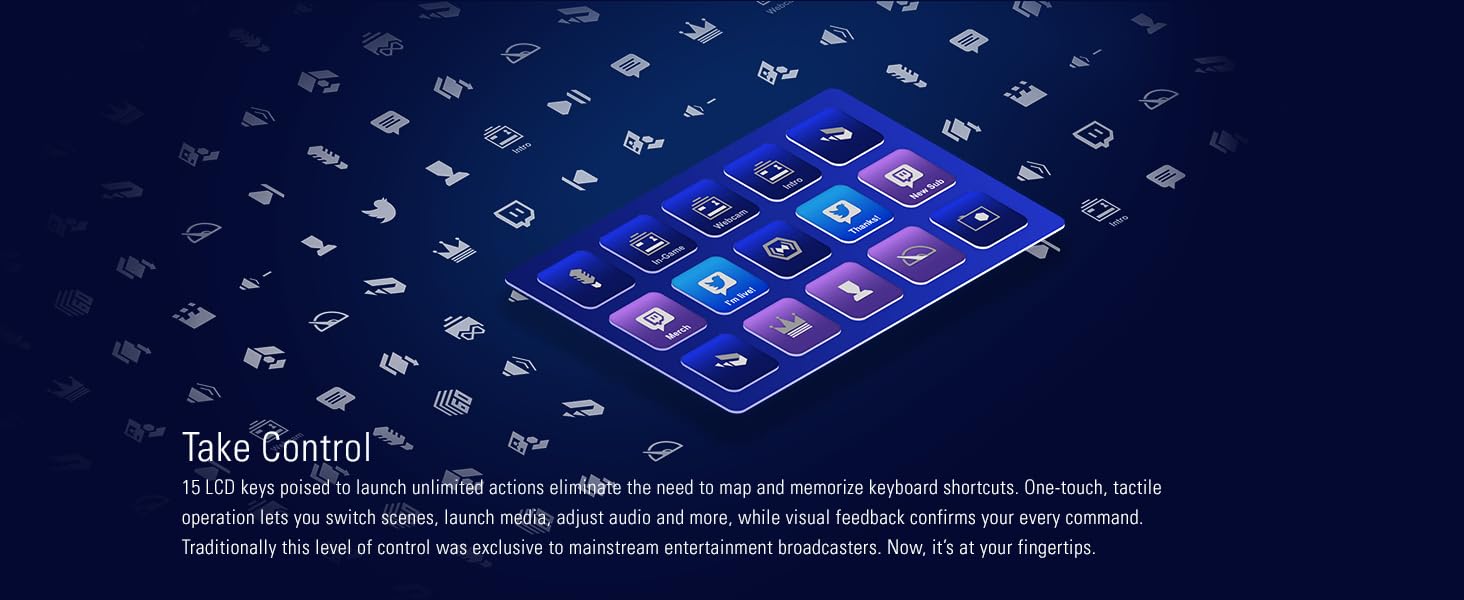
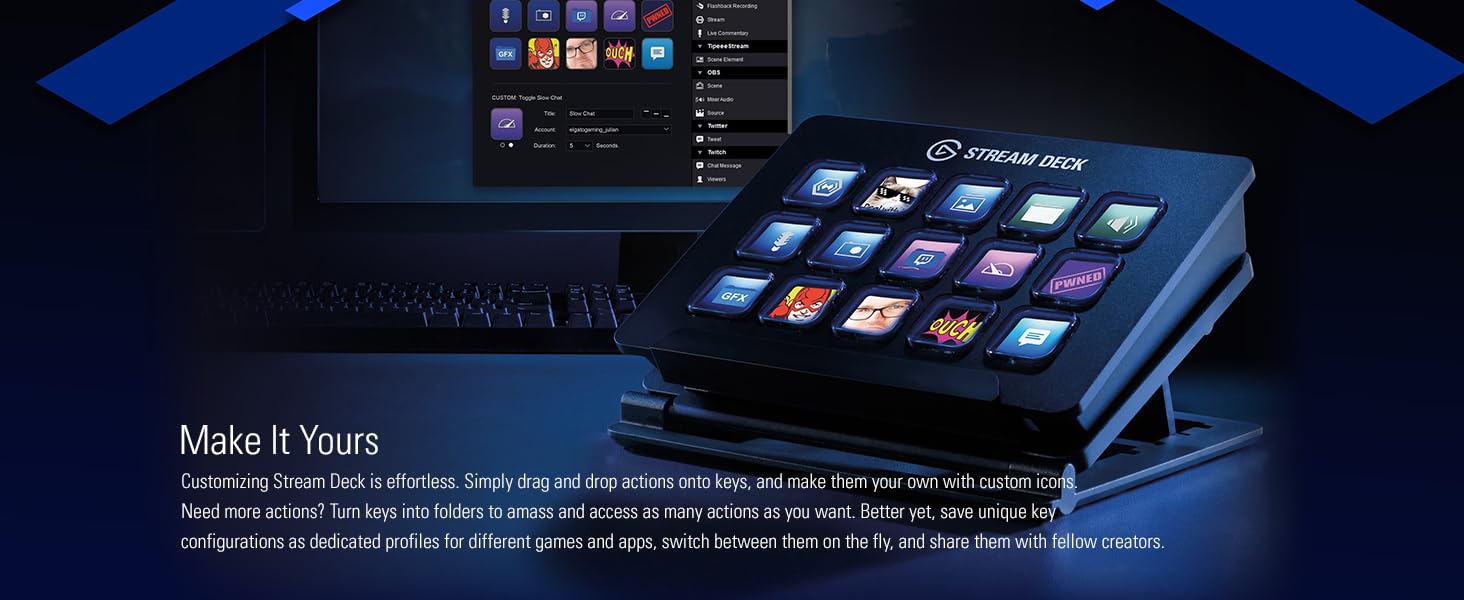
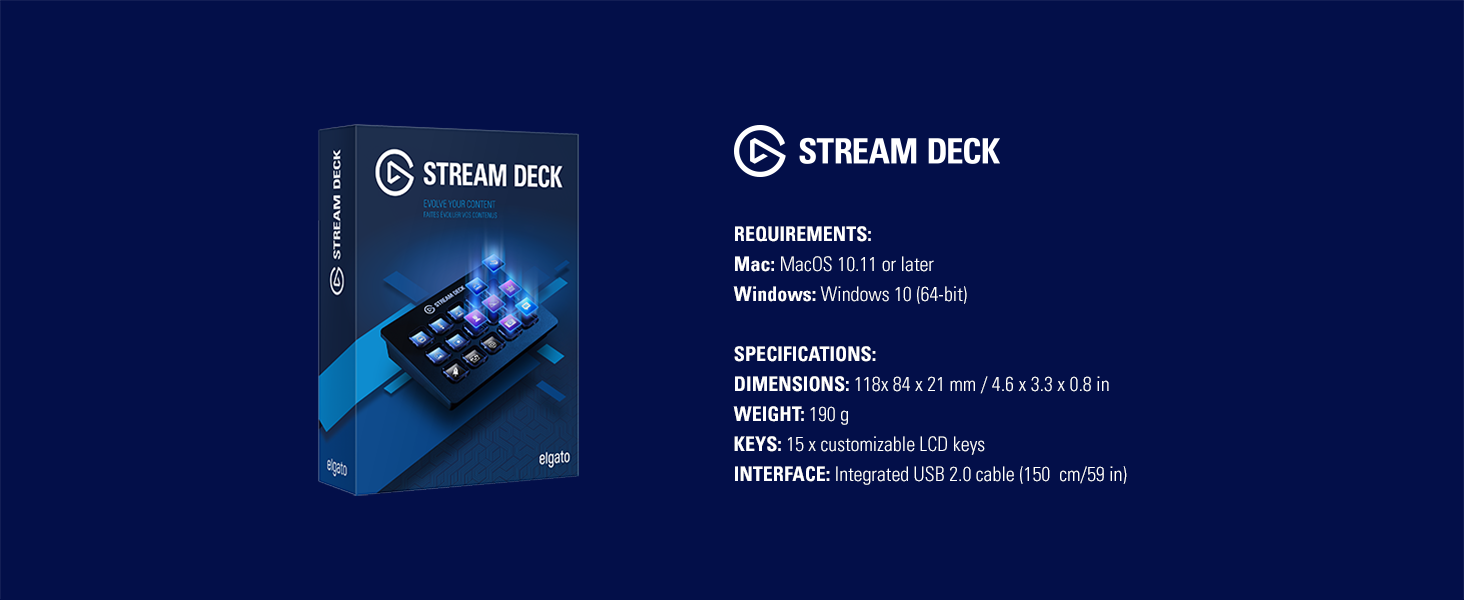
Stream Deck puts 15 LCD keys at your fingertips for ultimate studio control. Simply tap to switch scenes, launch media, tweet your feats and more. Personalize your keys with custom icons or choose from hundreds, and get visual feedback every time you execute a command. With Stream Deck, maximize your production value and focus on what matters most: Your audience. Interface Integrated USB 2.0 cable.
From the manufacturer


Accord –
The next “electric motorcycle” for computer command and control.STREAM DECK is a command center for a computer. Its the best new computer interface since the mouse and touch screen, I say.Why?You push buttons to control your computer. Buttons are easy – they take no precise motor control; you dont watch your hand or fingers, memorize key combinations, or coordinate two fingers on different hands while hoping you dont delete your work. You push them without looking or with a slight glance.Buttons have been around since typewriter days. How are these different? You can program them to suit your task at hand, and they light up showing their purpose. Programing is easy.How I use for text editing:The device replaces about 30 or so “hot keys ” during text edits with pretty lit up buttons. Hot key combos like cmd V, cmd C, and cmd B are notorious. They take you out of writing flow because they need total attention with 2 fingers or hands, slow you down, and making you remember the combinations. A wrong hotkey combo can delete alot of work which you might not get back. So with the SD you push just one button with its key name lighted up.Why Stream Deck over similar devices?There are other programable keypads, but this one has snazzy, jazzy hardware and software.Is it worth while?Yes. Its worth getting for writers or photo editors. It can be set up for LightRoom hot keys too. Its intended for online streamers, with OBS integration, but this is a hit tool thats good for everybody who uses a computer.How you workYou change how you work on a computer. Every thing is different. Much less of your work is mouse or touch pad based. You eliminate key combinations. Sorting thru folders and files is much faster. Closing a mess of open windows is a breeze. Casually opening the clipboard or checking a website becomes a snap. You get power and control you did not have before.Some caveats:Pick a small demo project first. Set up hotkeys for a word processor, or buttons to launch apps or websites. Do not over reach, or do get comprehensive until you figure out the device. Its easy to use, but that ease can get you over your head.A total command centerThe SD can be a total command center, but I had allot of false starts and reprograming. I finally did make it a command center, but with much fiddling around until I got it right.Example:One button got me straight into a website.One button selected everything I had written.One button opened an editor,One button pasted it.One button closed the file.ModulesI use work modules like Lightroom, with its separate Library, Develop, and Print modules. Complexity goes up with the SQUARE of the number of options, so that design reduces complexity alot. Apple’s Aperture, a competing product, did not follow that design, and it was a nightmare. Apple dropped the product.How to use modules?Do not do everything in one place. You will have another Aperture.I have Docs, Web, Vids, Pics and Music work modules, each with tools needed to work in that domain – file, folder, app and website launch buttons, hotkey buttons and more.Its amazing!Push a button to bring up a folder of pics, switch modules, then another button for a music file (never mind iTunes), push a third one to start a slide show… wow that is cool.DetailsSub program unitsProfiles are sub program units, each with a set of buttons. Use them often, but dont invoke a profile with a computer App in a comprehensive structure. If you do, your buttons screens will constantly change.SD folders are also sub program units – they can be used like profiles. How? Copy a button that sets up a folder. This is not quite obvious at first. Then a button screen can be used anywhere.Profiles can be saved and reused anywhere, or sent over the net. Folders are not so easily reused.You can jump around to different profiles using the switch function. Be careful, this can become a mess of spaghetti code. With my text edit profile, I set it up to switch to the top profile, or my Document profile. And make sure that all profiles are used in a consistent way. With buttons in expected positions.For exampleThe switch to top profile button is alway at the upper left, blue background with magenta letters.More vs DeeperSet up a folder and label it “More” to add more buttons at the save level. Use a different label for nested or deeper actions in a folder.Undocumented featuresSome things are not quite obvious at first. You can move an app directly to a key, without setting it up as launch button. Also move an image to a button, but only when you edit that button.Some improvementsMore buttons!My text edit profile span 2 screens plus a bit of a third. A 5×7 set of buttons would be huge. More power! My hot keys span at least 6 button screens, so often the key is not available.Sometimes I have to go back to the old ways – like pushing cmd C to copy. Ancient creaky thing, like a motorcycle with a piston engine – look at the electric reviews!Multi threadedMost Mac apps can have two or more windows open. Each one works like it has its own copy of the app. Not so with the Screen Deck. You want two different apps using separate instances of the SD, so you could switch. Not so.You can use the app to switch the SD software (set up in the edit profile area of the SD), but that does not work well. It only works when the app changes to foreground, so you might not have the button set you want.So…Despite the shortage of keys, Is the Stream Deck the next “electric motorcycle” for serious computer command and control? You bet it is.Me: I am not a super reviewer, I paid good money for the SD, and do not have a relative who works for them.Review: more about the SDCommand and controlCommand and control are different things. On the SD, command is launching apps and websites and opening files. Control is about hotkeys. Setup control profiles for you favorite apps, with one or more screens for each app filled with hot keys. You may need to make new hotkeys on the Mac, easy to do.Command modules are differentYour command modules will list out your favorite pics, videos, docs, apps, websites and more, with a button for each. They are different from control modules. Yet some hotkeys, like open and close, need to be carried across your system.PopulatingFor each favorite file, app, picture, playlist, website and more, you want a button. Going 4 folders deep, you have room for 10,000 favorites! This goes 10 deep for each folder, not 15, because of overhead. It could take you months or years to fully populate your SD system.OverheadEach SD screen will have control buttons, those to get you up a folder or switch you to another profile. you need from 1 to 3 key for nearly every screen. And you cary some hotkeys everywhere, adding 3 or 4 more keys. Thus overhead could take up 4 to 7 keys out of 15! This is another reason for more keys on the SD. In a worst case, 11 keys are needed for overhead.DebugingWork with your stuff. In the above example, I changed VID GO VLC from a multi-action key to a single action (just a folder) to get it to work right. I also deleted 4 of the control keys, as they are duplicated in the VLC control module.The new screen:This frees up 4 keys and works better.DesignDesign to minimize overhead, and to get all the functions you want on each 15 key set. This takes some doing! Thus new STREAM DECKER’s should not get elaborate – like a control system for the entire US electric grid. Can you do that eventually? Sure you can, just not tomorrow.
Brandon Valencia –
You will enjoy the Stream Deck.Stream Deck is light weight and easy to use. I use it every day and it has served me well.Lets talk about the hardware. The design is simple and straight forward. The whole deck is a hard plastic and it has 15 individual LCD screens/keys (5×3). Each key can be assigned to perform a specific function on your computer. It comes with an adjustable base that allows for multiple viewing angles and it connects to your PC via USB. The display of the LCD panels is bright and though the resolution is a bit small (of course) the images come through clear. That pretty much it!Lets talk about software! The Stream Deck software is just “okay-ish”. It is very simple to use and gives the user a lot of custom-ability. There are quite a few extension that allow the user to control different aspects of their computer, streaming software, social media outlets and misc software. The Stream Deck was really designed for online streamers and it does a good job taking a lot of the multitasking away from the user. I have setup multiple profiles/folders on my Stream deck depending on the task at hand. Some keys launch websites, others launch apps, some kill tasks/processes on my PC. Even though there are only 15 programmable keys, you can have multiple folders and profiles that allow you to switch to different panels. I currently have 75 functioning macros keys across all my panels.It can be a bit buggy at times when assigning icons to your macro keys. For instance, I assigned a personalized icon for a particular macro and after an update, it was gone. This happened several times of the course of about 3 months, which got quite frustrating. Not the worst thing, but enough of an annoyance where I felt I should created a macro with the stream deck to fix broken icons on said stream deck Another, issue I came across was issues with some of the stream deck extension like “Set Audio Device”. This is an extension that automatically switches default input/output audio devices from a Windows OS level. I use this quite a lot being a gamer and an audiophile. I have multiple headphones, headsets and surround sound systems setup that I frequency need to switch between.The issue I came across was the extension would lose my settings and forget all the audio devices and their key assignments. Luckily, it hasn’t happened in awhile, so perhaps a software update has fixed this. Aside from the default actions/extensions that come with the deck. I haven’t yet seen much development for 3rd party extensions. The software has a “more actions” section that takes you do this semi-repository of additional actions that users can download and install. As of writing this review, there are maybe thirty extensions that you can utilize (aside from the defaults)So is this worth $149.99? Well… it depends. If you are someone who does online streaming quite often or a person that performs the same routine tasks daily. This would definitely pay for itself just in the amount of time it could save you. Being able to perform multiple tasks and processes with the click of a single button, definitely makes it worth it (IMO). I don’t think the average PC user however would get the same utilization from it.————-PROS1.Very simple and easy to use2.Flexible functionality3.A lot of programmable panels and keys for heavy multitaskers.4.Powerful macros can be programmed (for more advanced users)5.Support for major streaming services like Streamslabs OBS and XSplitCONS1.Software can be buggy.2.Limited 3rd party development.4.Price
Daniel A Day –
Absolutely LOVE my new Elgato Stream Deck!!!Hi everyone! I’m absolutely loving my new Elgato Stream Deck, and wanted to write a review here on Amazon to let you all know just how amazing this little device is. I’ve had it for just under a week at this point, but it has already simplified my workflow in a huge way! I’ve been using it for live streaming on Twitch/YouTube since it arrived, and have been having a blast customizing it!PROS: – The Stream Deck itself is small enough to easily fit anywhere on your desk, which has been great for me since mine is always cluttered! – Guess what’s not cluttered?!? My computer’s desktop screen! I’ve now moved all of the shortcuts that were previously clogging up my desktop over to a folder named “Desktop” on my Stream Deck, which allows me to launch all of those applications without ever having to minimize everything on my computer and then hunt for whatever I’m looking for. Not an advertised feature, but certainly one of my favorites! – The 15 buttons each have really nice full-color screens behind them, which allows you to use custom icons/artwork for each of them. I’ve used macro keys on my gaming keyboard in the past to automate certain functions, but with the screens/icons on this device, I no longer have to remember what function I bound to which key since I can just look at the pretty icon to see what it does! – Speaking of icons: In addition to being able to use any icon that you’ve downloaded using your search engine of choice, Elgato actually has a really slick website that you can use to make custom icons for your Stream Deck in a matter of seconds! – The software that Elgato has created for the Stream Deck (available as a free download from Elgato’s website) is very simple to use, and modifications made in the software are reflected instantly on the Stream Deck itself. – I didn’t realize it at first, but you can change the brightness of the keys using the Stream Deck software. You can tweak this using a slider that goes from super-dim (great for use in dark rooms) all of the way up to super-bright (which is where I ended up preferring it). – The stand that ships with this device is really great! I initially thought that it had 4 different options angle-wise, but later realized that there are small tabs underneath that fold down and give you access to 4 additional height options (which allowed me to get it exactly how I wanted it). You can also lay it flat in the stand or choose not to use the stand at all – the device has rubber feet on the bottom of it so it won’t slide around on your desk even if you don’t use the stand. – I really like the “feel” of the buttons when you click in on them, and also appreciate that they are very quiet when pressed – super-important for streamers that don’t want their microphones picking up the extra noise (now if I could only get a mechanical gaming keyboard that was this quiet). – You aren’t limited to just 15 actions at a time thanks to integrated folder support on the Stream Deck. This allows you to have up to 210 actions built per configuration file, and since you can instantly switch those config files out, the possibilities are really endless. – There are quite a few functions available to assign to the different keys right out of the box – especially impressive given that this is only the 1.0 version of the software. All of your staples like multimedia functions, opening websites, and launching desktop applications are there, but what makes this thing truly special for folks like me are all of the awesome functions for OBS, Elgato Game Capture, etc.. Can’t wait to see what new functions are added in the future! – Although I wasn’t expecting it, there is actually quite a bit of non-streamer functionality available right out of the box. While this device is certainly marketed towards gamers/streamers, I’d bet that all sorts of creative professionals would find it useful!CONS: – I haven’t found any yet – this thing is AWESOME!SUMMARY:As I mentioned above, I purchased this primarily for use while streaming my gameplay on Twitch, so everything else that it does has just been icing on the cake! I wasn’t 100% sure before it arrived if I would be able to fit it into my current workflow, but that concern quickly vanished upon plugging it into my computer and setting up my first button! This thing is now irreplaceable to me after just under a week, and I can’t wait to see what additional functionality becomes available in the future!Well, that about wraps up my review of the Elgato Stream Deck – I hope that it’s helped some of you out with your purchasing decisions. Just in case any of you are curious about my Stream Deck set-up while streaming, I’ll post if below. If not, have a great day and thanks for taking the time to read this!!!MY CURRENT STREAM DECK SET-UP WHILE STREAMING:(Note – I’ve been playing around with different options for this since my Stream Deck arrived, but this current button layout has been GREAT and I think it’s a “keeper”! Since I’ve even got it launching the Elgato Game Capture software, I can literally just click all of the buttons one after the other and start a live stream without so much as looking at my computer screen – pretty cool if you ask me!) – Button 1: Launch Elgato Game Capture (This is the software that I use to capture my gameplay and stream my content to Twitch) – Button 2: Switch to “Scene 1” in Game Capture (pressing this causes a looping video to begin playing that lets my users know that the stream will start soon) – Button 3: Launch StreamLabels (I keep this up while streaming to keep track of new followers, subscribers, etc.) – Button 4: Launch my Twitch Dashboard (I like to keep this up while streaming to keep an eye on my stream health as well as Twitch live chat) – Button 5: Start recording my gameplay footage to my HDD (so I have a back-up copy of the entire stream) – Button 6: Start livestream to Twitch – Button 7: Enable Live Commentary (so everyone can actually hear me speaking on stream – I can press it again to mute myself and the icon on the Stream Deck actually shows me if I’m currently muted or not – nice touch!!!) – Button 8: Switch to “Scene 2” in Game Capture (this is the “Scene” that I actually play from, with all of my overlays, logos, etc.) – Button 9: Switch to “Scene 3” in Game Capture (this switches what my viewers see to a looping video that indicates that the stream will resume shortly – useful if I need to take a quick break)
Frank –
Amazing !Huge fan of elgato products. It’s marketed towards gamers and streamers due to the many integrations to streaming software but it has so many other uses. Probably my favorite use is simply controlling Spotify which I often listen to on my PC or through my sonos sound system. There are apps and integrations just about everything included common PC tasks to more complicated ones.I honestly could live without it but why would I. I have a few at my various workstations and they are easy to setup and configure to your liking. One of the best PC accessories on the market in my opinion. This is an older model now but still very viable. Hopefully you can catch it on sale
Ryan Rivera –
Must have, even for non streamers!So, I have the mini Stream Deck as well but was getting tired of having folders in folders on it. So, I finally upgraded to this one. I don’t really stream much anymore, but what I do use this for, is game captures and soundboards. When I am in Discord voice chats, I use this Stream Deck to play sounds I have on my soundboard. Hundreds of sounds are at my fingertips to play for friends and have a fun time. I also use it to record some hilarious things we say in voice chats and turn those into sound clips which I can use the Stream Deck to playback. I also set it up to play my Spotify playlists, turn lights on and off, and open certain web pages. The possibilities are endless. You can even set it up to order your favorite Domino’s order. So what are you waiting for. Grab one.
Claire –
SHOULDVE PURCHASED SOONERWOW I didn’t know this was a thing, but the stream deck is EXTREMELY useful for streamers!I use this (or the mobile app) to transition from chatting camera scene to a gaming scene for example for my viewers with a single click! It’s amazing!It’s super simple to pair, assign the buttons and create the custom icons if you choose to. My only complaint is, of the 15 slots I have I assigned 11 but only 10 show.I’ve moved the 11th icon to different buttons to see if maybe a button doesn’t work or light up but the stream deck doesn’t seem to recognize it EVEN THOUGH the mobile app and the desktop app both show to icon and are clickable, just not on the actual device sitting on my counter.
Chayci –
Quick and easy.This unit makes things happen quickly while being easy to set-up. I enjoy having certain features available at the touch of a button and wouldn’t mind having a larger one!
KJ –
Cool toolThe stream deck has made my stream so much more fun. I have connected sounds and even commands for my socials. While I’m streaming way easier to just push a button!
Marymar –
lo mejor que e comprado para mis directoswow es increible, devi haberlo comprado antes!!
The book its self is a very fine book. to read and those who don’t like the book well that his op –
Good.Very good.