


Description
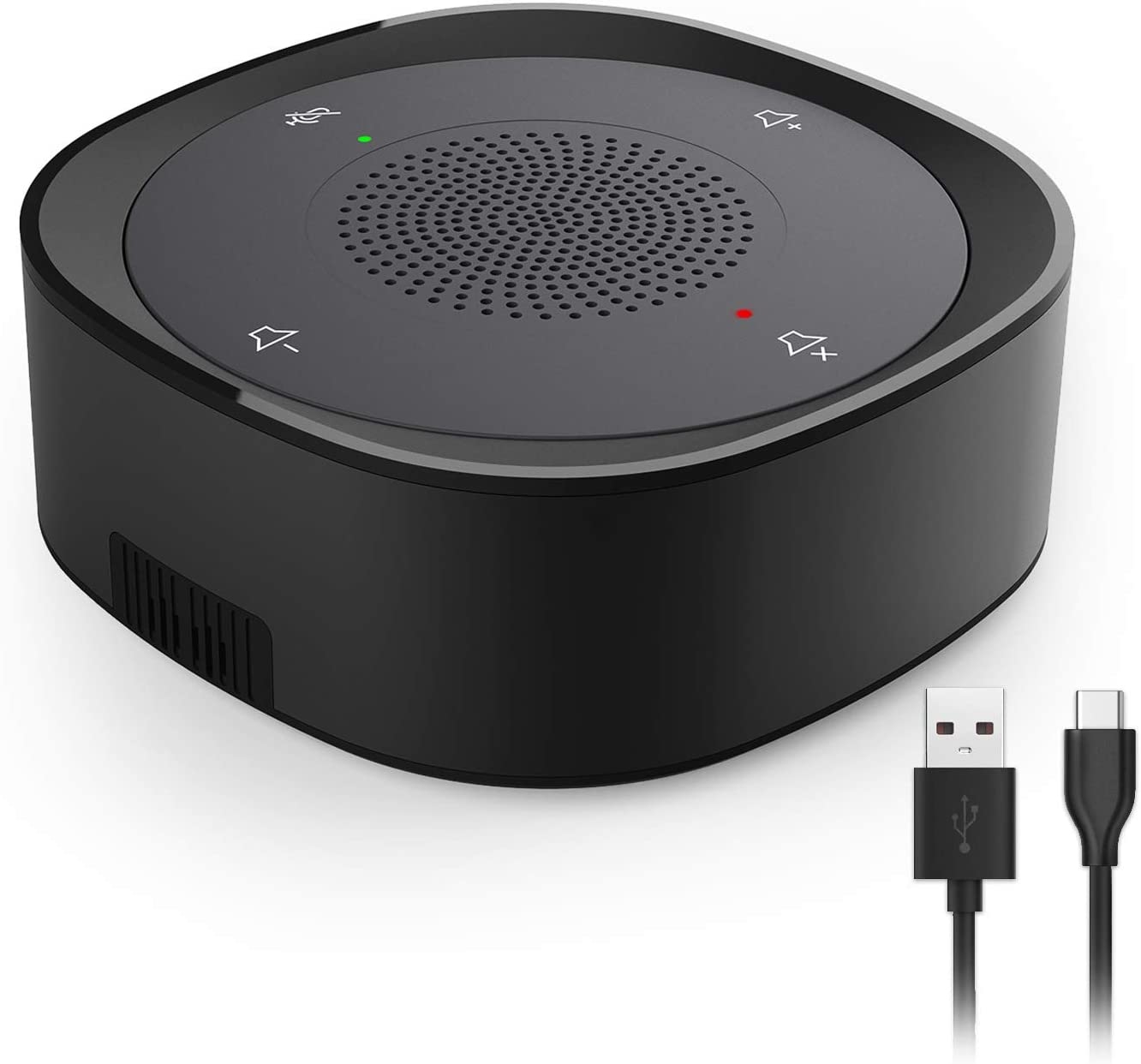
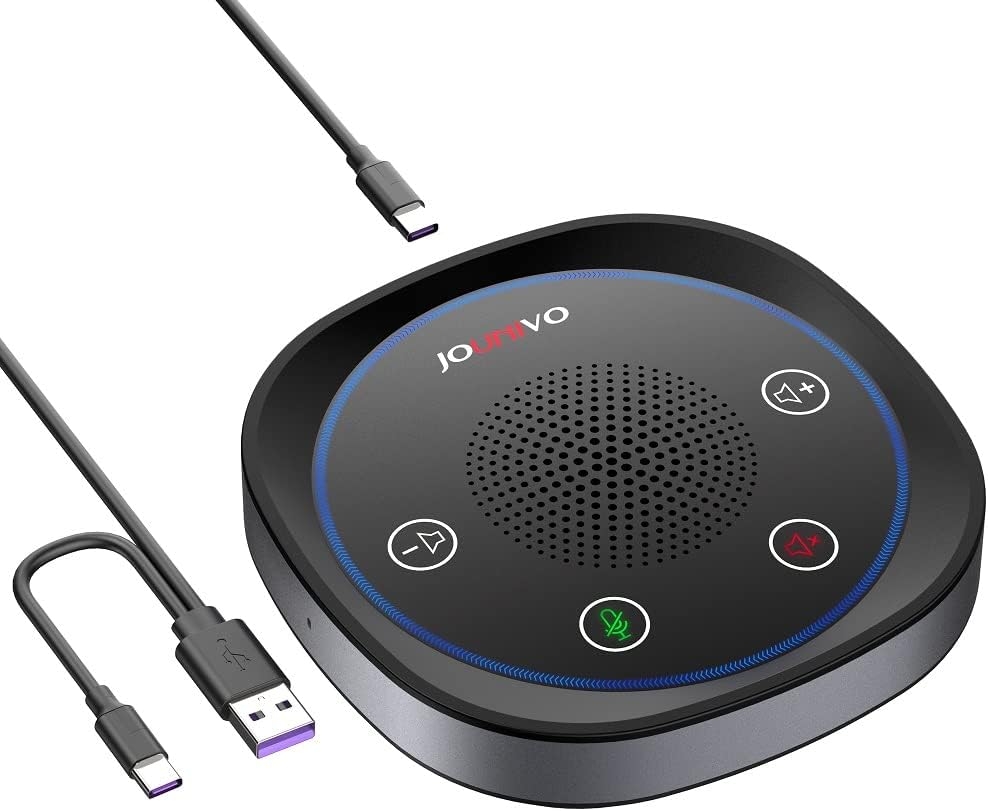
JOUNIVO USB Microphone Speakerphone
✅ High-quality Audio and Durable:
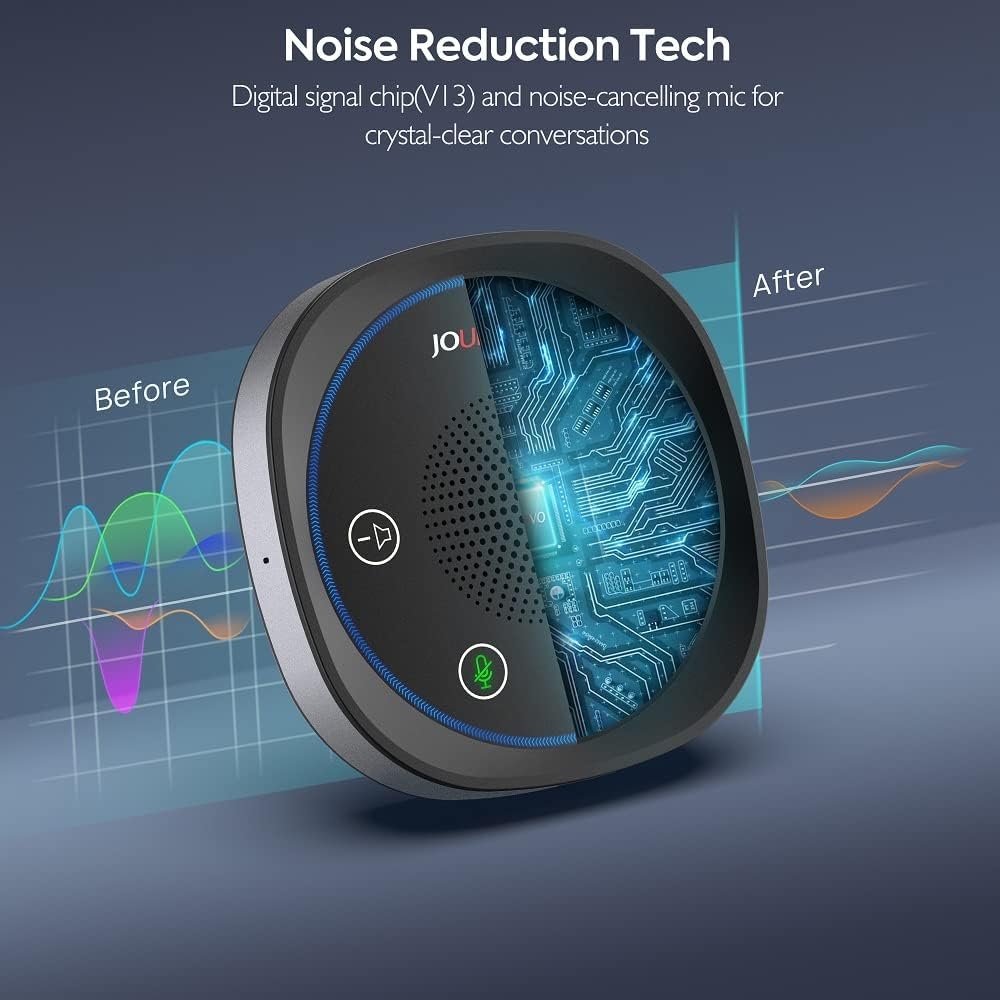
Thanks to the intelligent noise cancellation technology, this microphone with speaker guarantee a superior conference experience with rich crystal clear HD audio no matter in the office or outside.
✅ Best Choice for Web Conference:
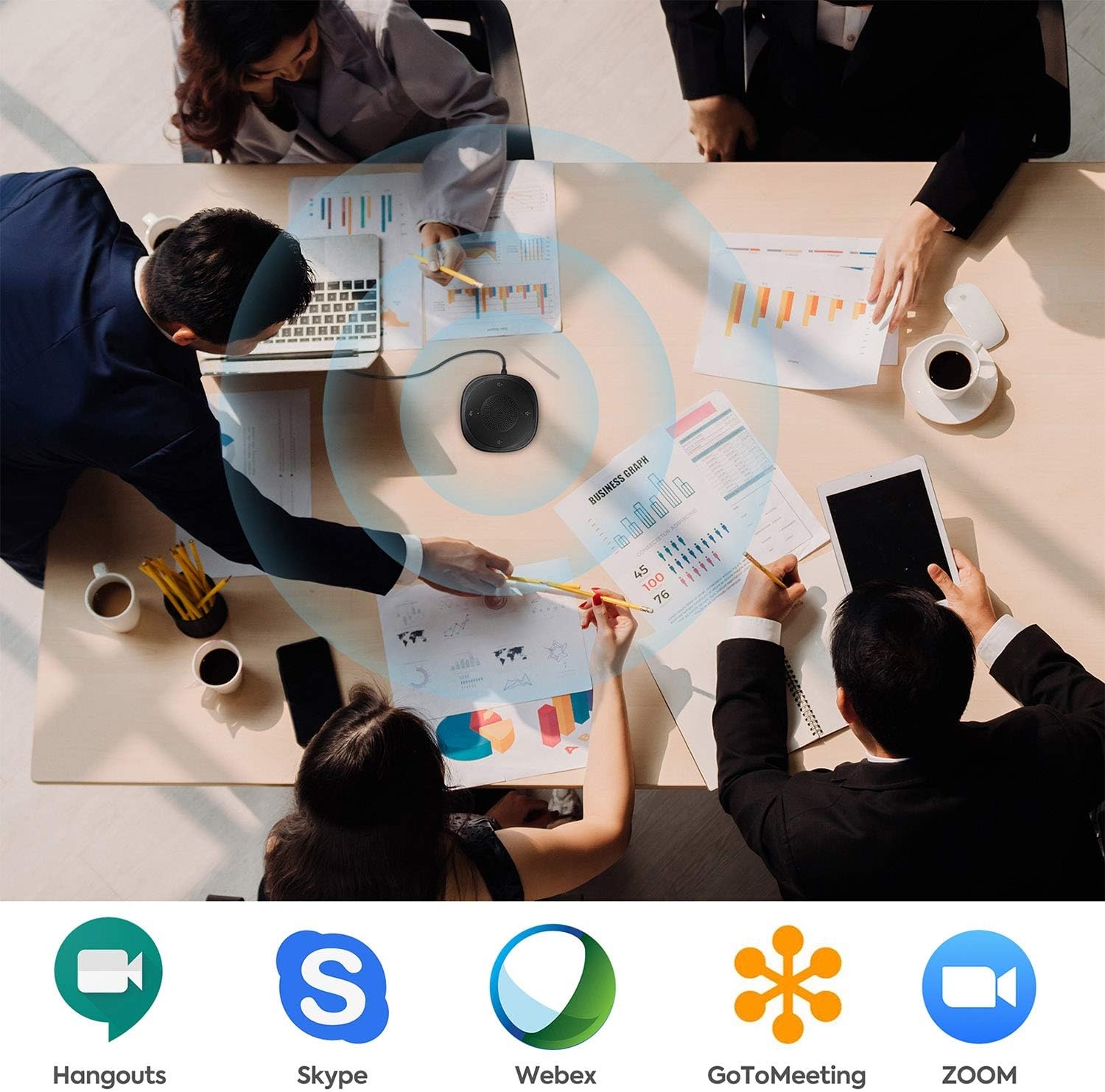
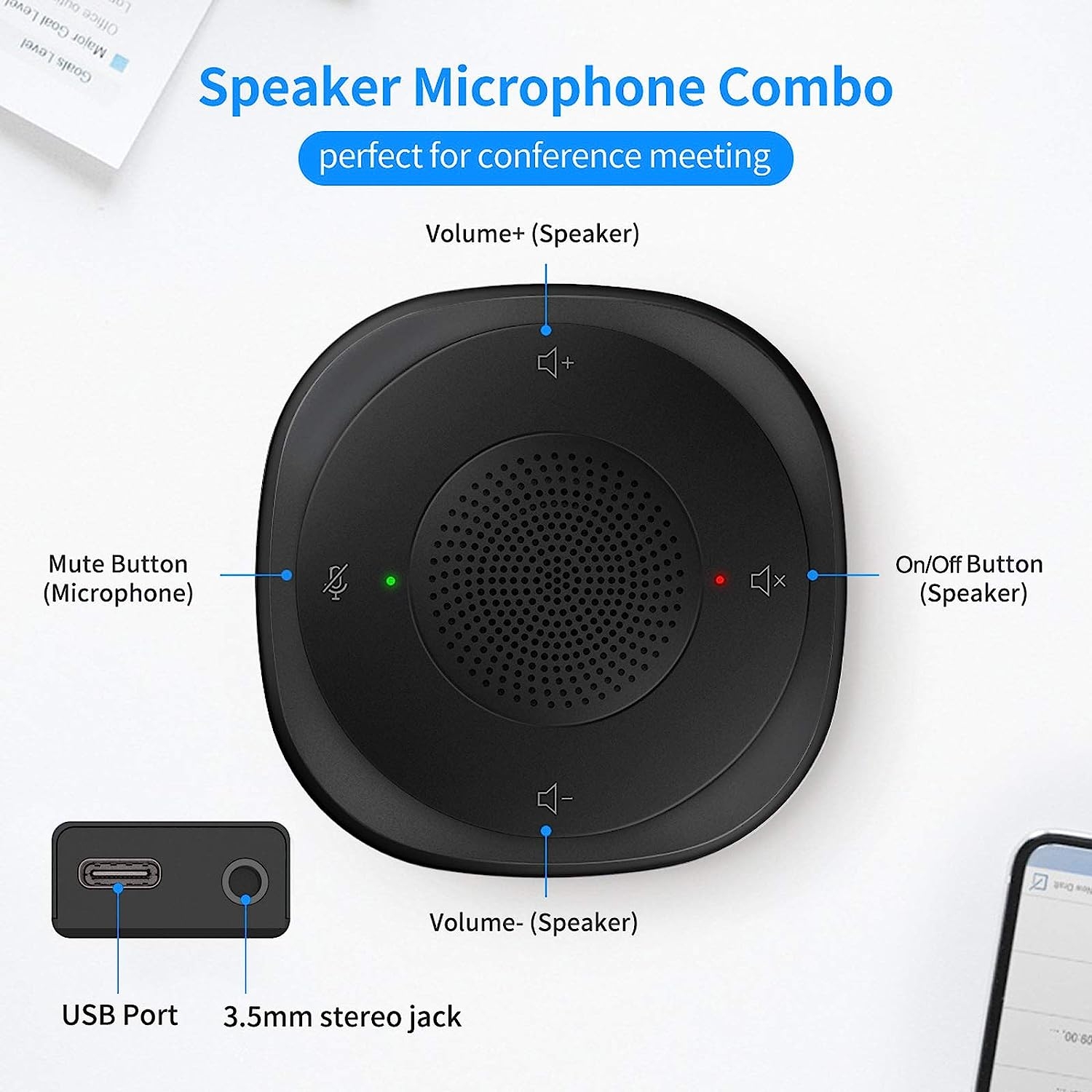
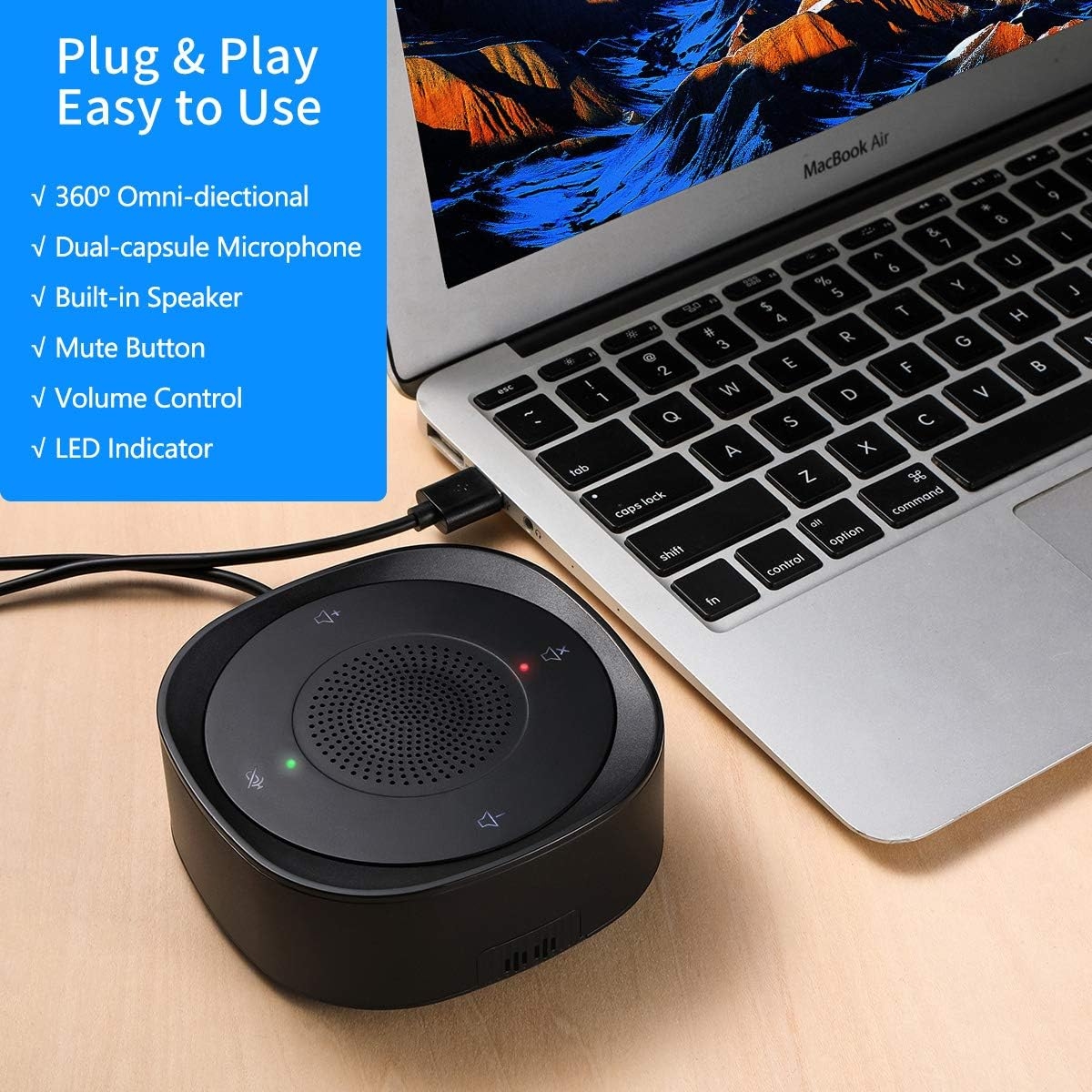
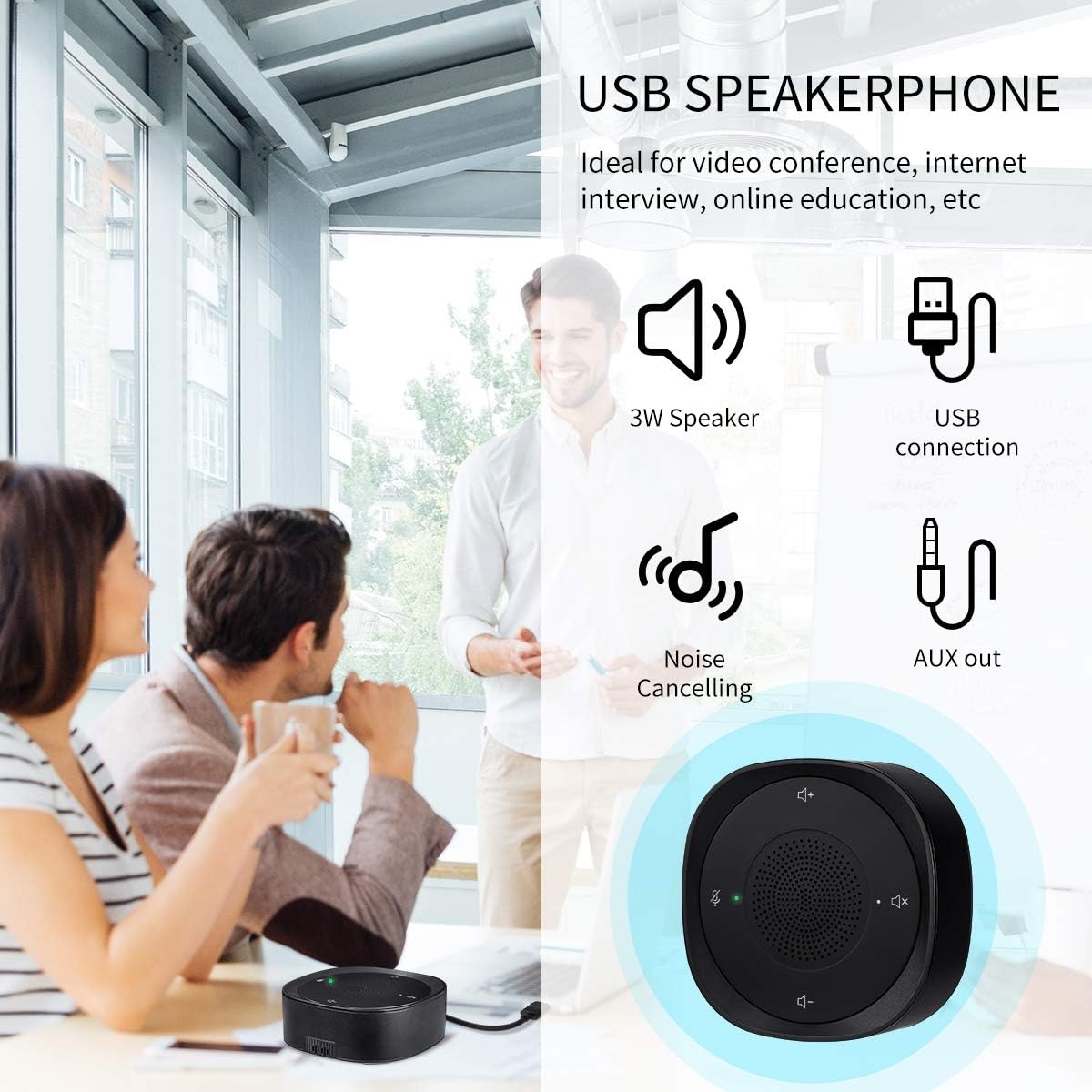
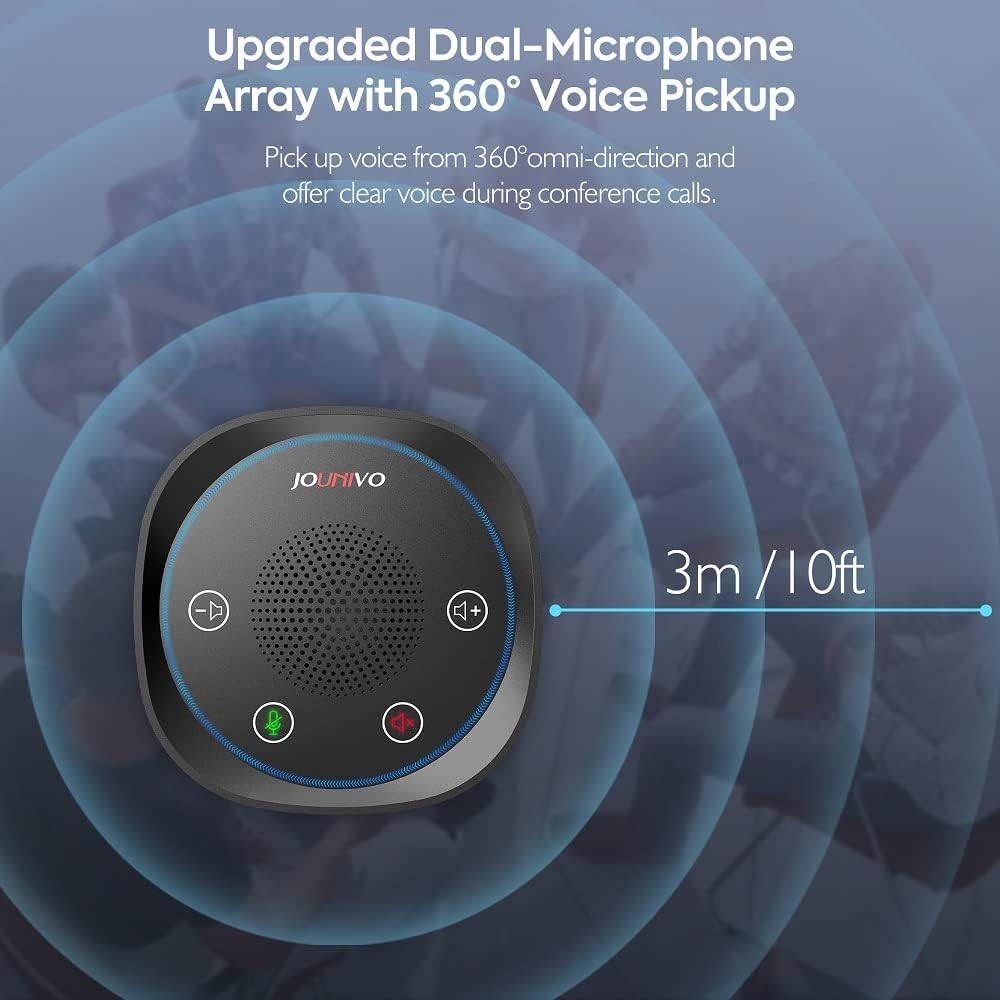
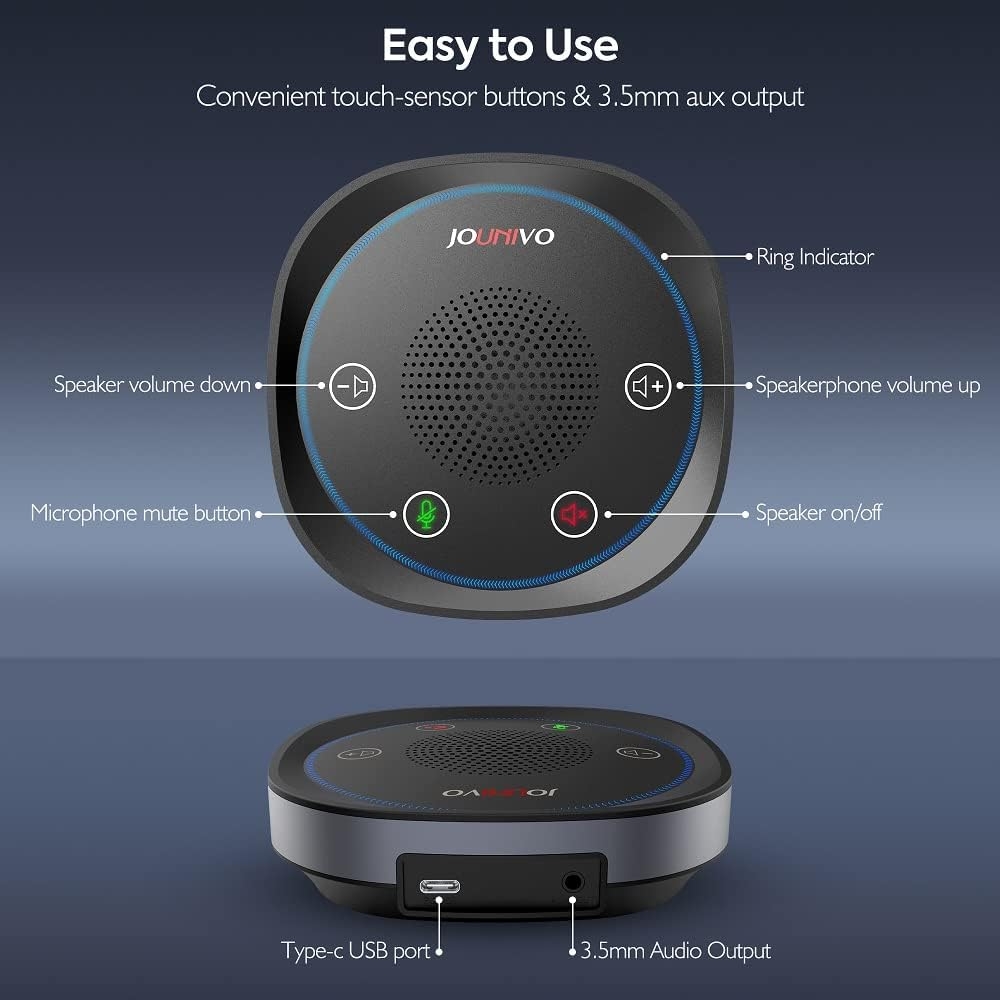
360° Omni-directional with 3W speaker: JOUNIVO conference microphone with mute switch & LED Indicator operates perfectly for 5-8 people meeting room. Built-in 3.5mm headset port allows you to connect any headset directly for private calls.
✅ Plug & Play for Win/Mac Computer and PS4:
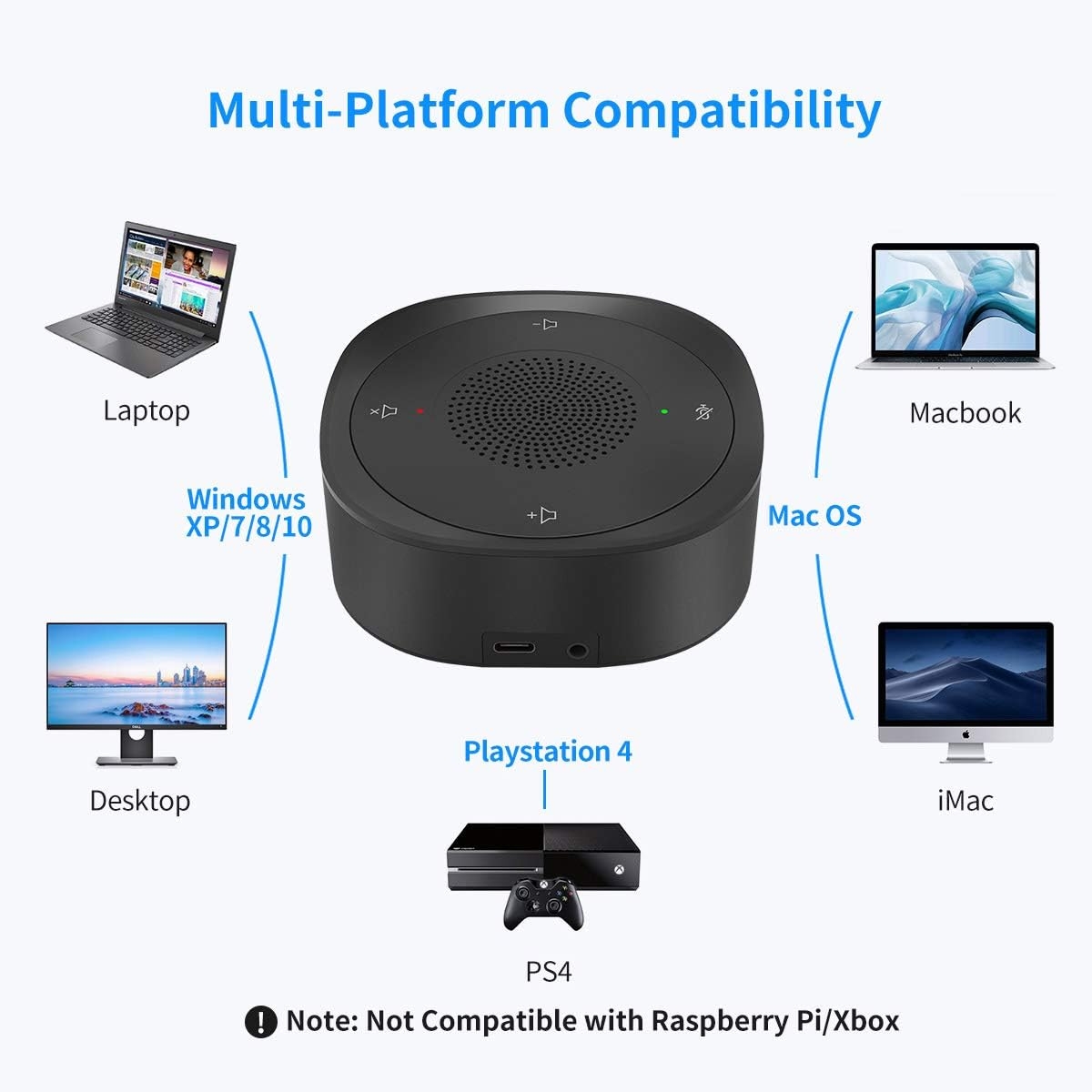
USB desktop microphone with Plug & Play compatible with Win 7 8 10/Mac/PS4/PS3. Professional in recording, dictation, youtube, skype, gaming, streaming, podcast, etc.
✅ Easy to Carry
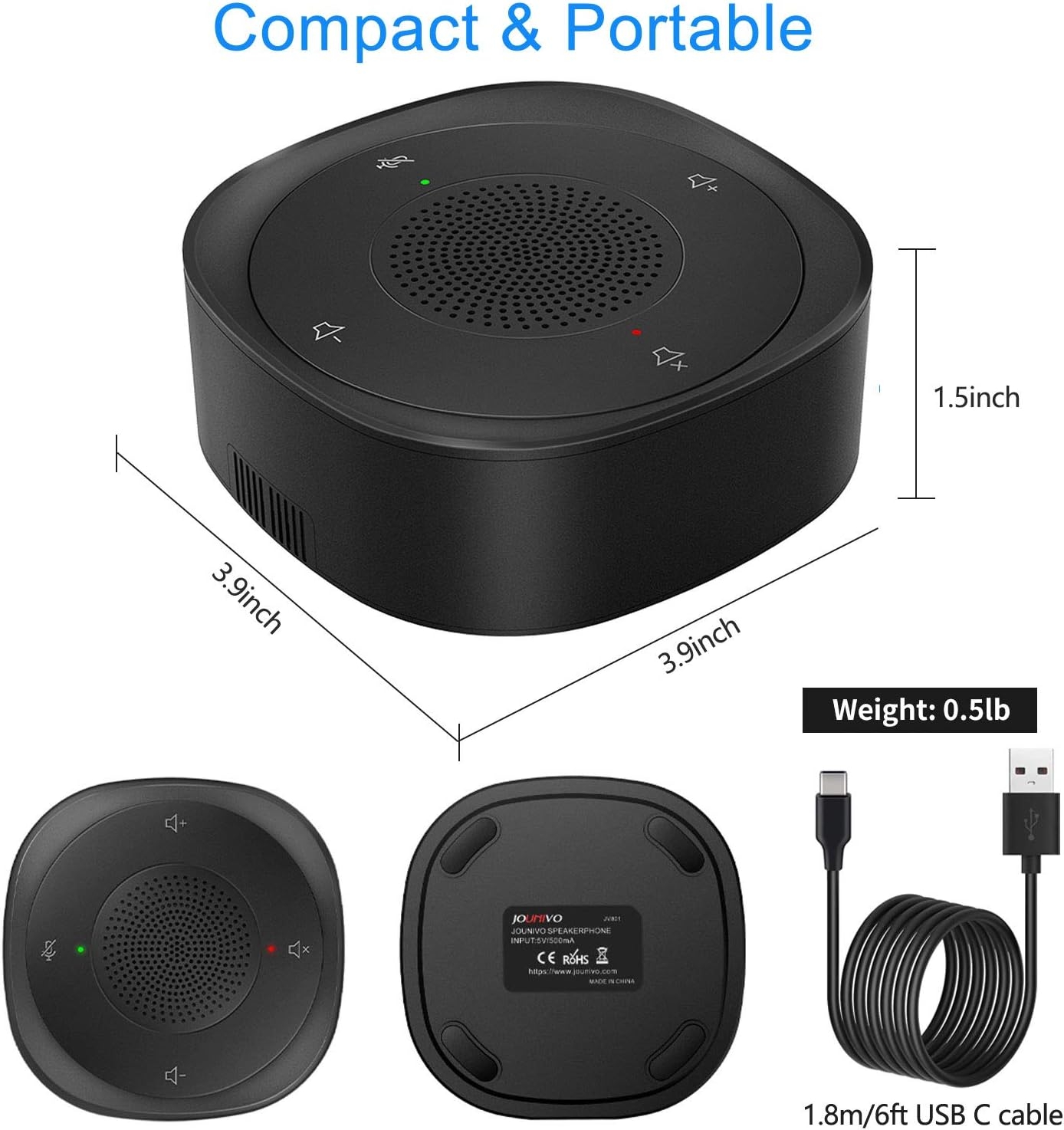
The dimension of the boundary microphone is 3.9″x3.9″x1.5in”, and weighs only 0.5lb. Portable USB conference microphone can be easily put in pocket or briefcase.
How can I do when the microphone cannot be used?
Few ways for troubleshooting:
A. You need to disable the computer’s onboard mic by accessing your sound devices in the hardware section of the control panel. And choose the mic (JV-801)
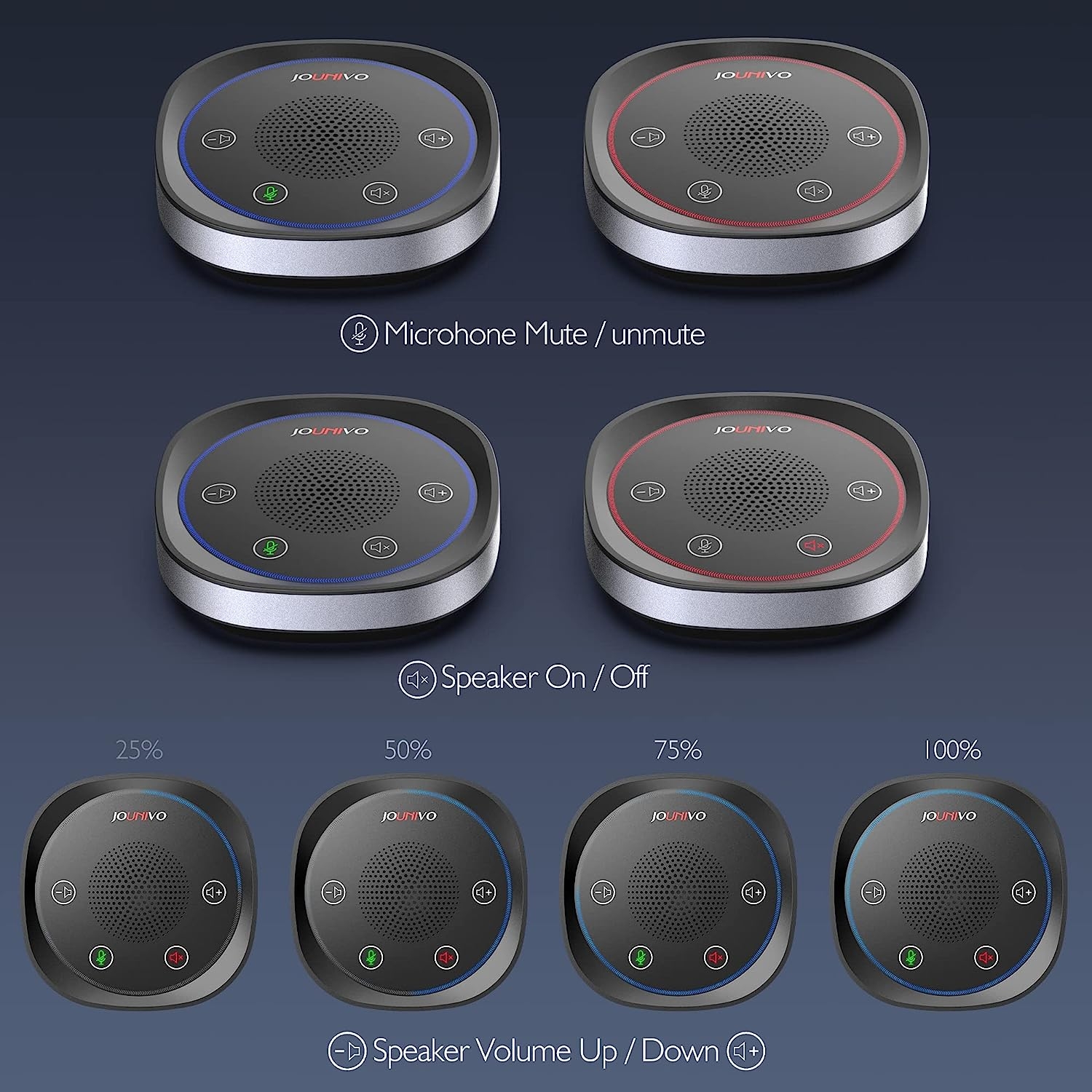
B. Check whether the “mic mute” of the online control is open or not. When the “mic mute” is open, the light will turn to red.
C. Please don’t connect the microphone to an extension adapter(includes USB hub), or it will weaken the signal sent from devices. The cable length of the headset is 6 (1.8m), long enough for daily use.
Specification
Model:JV801
Compatible with Windows 7/8/10,Windows Vista ,Windows XP
Macintosh: Mac OSX(10.4.11 or higher)
USB Compatibility: USB 1.1 2.0 and 3.0
Polar pattern: Omnidirectional
Size: 3.9*3.9*1.5 in
Cable length:1.8m/6ft
Package Included:
1 * Microphone
1 * User Manual






MAKRAND –
Too much echo, unable to use this….
DuaneD –
Sound is fine, microphone not so much
I bought this speaker/microphone combination to use at internet meetings to increase the speaker sound from my laptop. The speaker function works quite well and the sound is clear and loud enough to be heard in a fairly large room. At this time I have not been able to get the microphone function to work. I am fairly computer literate and have worked with all possible settings in Windows 11 and the microphone has not worked. Otherwise worth having for the sound alone. Would have rated it 5 stars if the microphone worked.
DIEGO –
potencia al audio
Seria mejor si tuviera mas potencia el parlante
Denver Dave –
Perfect, just Perfect!!!
I wear hearing aids and due to security reasons we are not allowed to connect any wireless devices to our corporate laptops. I searched high and low to find the specific requirements that this unit provides. I am able to plug my 3.5mm connector directly into the unit’s jack to securely hear the conversation in my hearing aids. The Omnidirectional microphone works fantastic and sound crisp and clear to my colleagues on my meetings. I’ve forwarded this solution to my audiologist as well.Thank you, thank you, thank you and hope this helps someone else! 🙂
Prairie Proud –
Perfect for small group hybrid board meetings.
Perfect for small group hybrid board meetings with video conferencing combined with in person facility with internet but no landlines. When placed in the center of the group of 8 people who are socially distanced for COVID-19, the voices were heard by those on-line, plus, those in attendance could easily hear the remote participants. The USB for the speaker connected easily with a laptop (Windows 10 and Teams and Zoom) and cable is good length and quality.
Sean Steffanni –
Easy to use, perfect.
This was so easy to use. Just plugged it in and it started working right away. The sound quality is great and it’s easy to tell if it’s muted or not which is exactly what I wanted.
Kindle Customer –
Great microphone
We use this hooked up to a laptop for meetings in a large room. It works great and all zoom participants could hear clearly. Liked it so much we ordered another one.
Thomas L Conover –
Works Great, But Buttons Invisible
I have no issues with function and operation, it works fine. I prefer working in a dark room, and I cannot see the touch buttons. I don’t have meetings every day, so I don’t always remember the button layout. As shown in the picture, I used white out to highlight the volume+ button, so I have a point of reference. If not for that, I would give it a 5 for sure.
G –
Read in particular if your MUTE or SPEAKER button ‘does not work’
Well I bought the JV801 and installed it. Truly 100% plug and play. Speaker was excellent. Microphone was great.Then I hit the problem so many people encounter but found a solution.As usual the User Guide was not written by someone that speaks English natively. Typos and statements that contradict themselves using double negatives. Ignore it. The book says the green light is on solid during power up then flashes. Never happens. Mine is solid green all the time. No problem.The MUTE button does not work like hundreds of other reviews call out. There is no way to turn the speaker off since that button does not work either.Until the “magic” is discovered. I as most, ‘press’ the button. Some reviews say ‘press hard’. Neither will work.HOWEVER, “TAP” the button, it will work fine. Same issue with the speaker on and off. Press does nothing but bruise your finger yet TAP it and works like a charm. I was ready to send it back until I discovered this. Try it, you will like it !
Michelle –
Perfect little speaker
We used this for our writer’s group meetings in November so folks could join us remotely as well as in person. It was great! The folks who were virtual could hear even people at the far end of the table and everyone could hear them too. This was a very good purchase.