
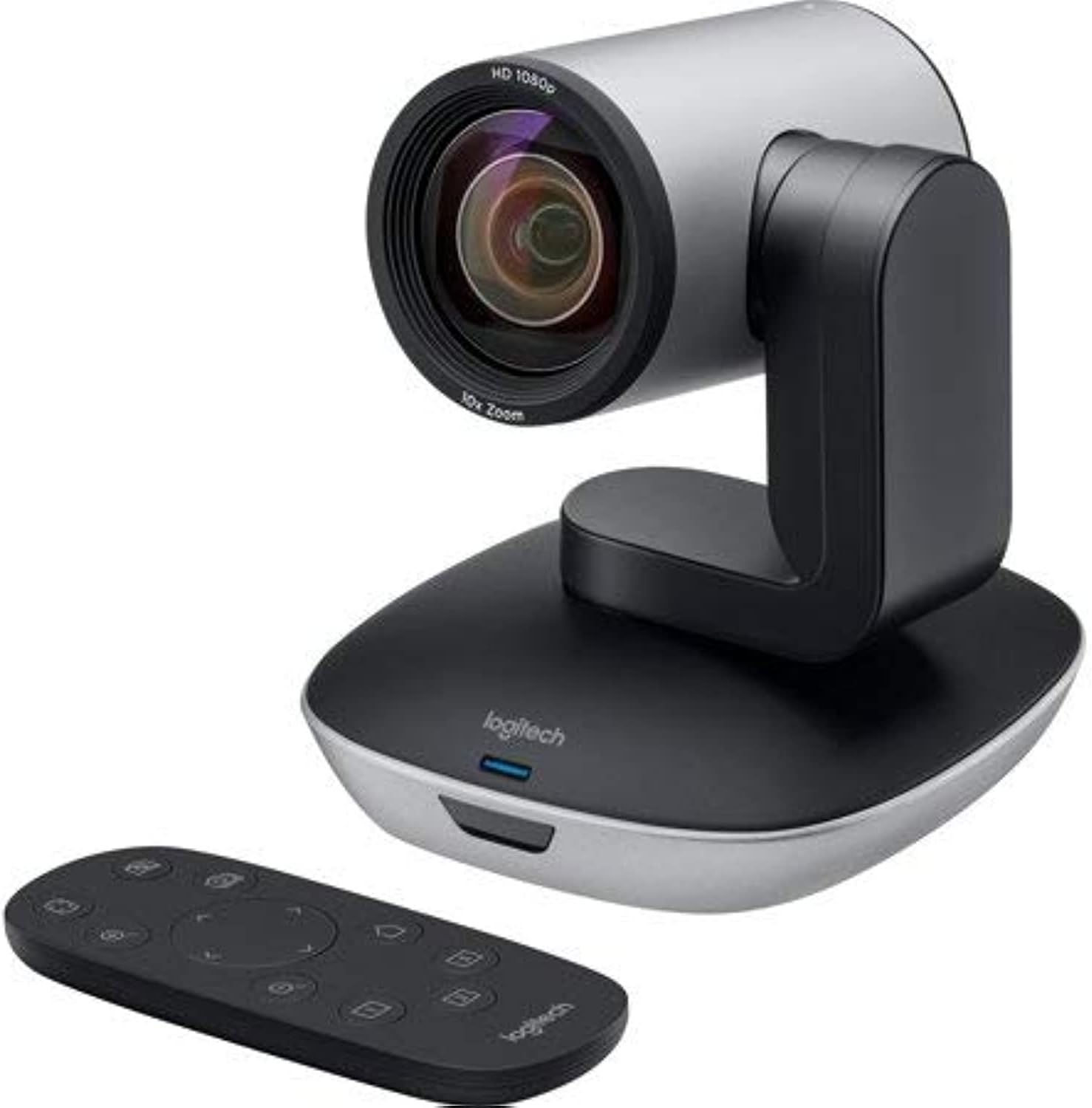
Description
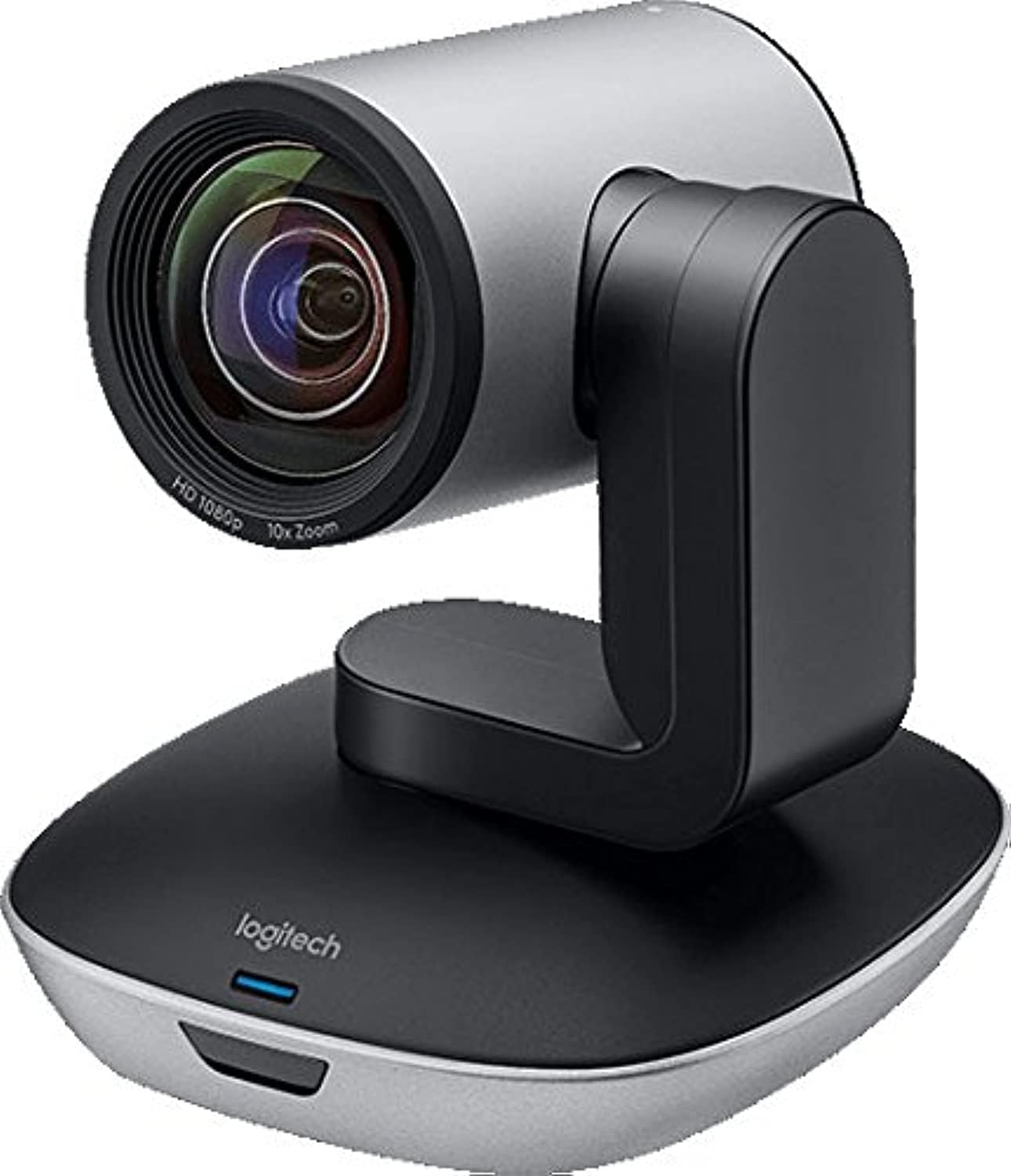
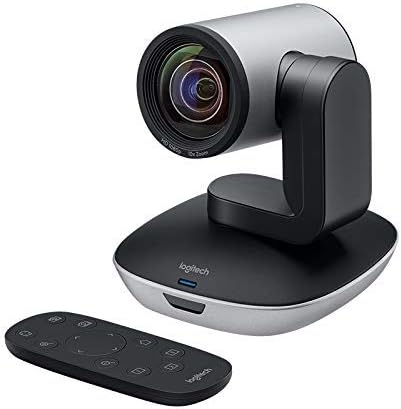
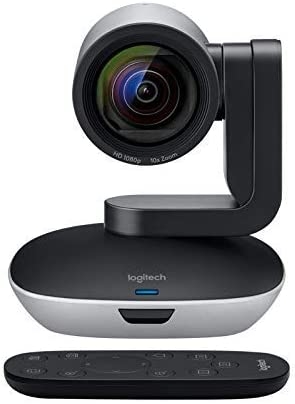
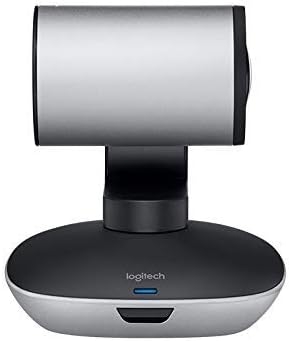
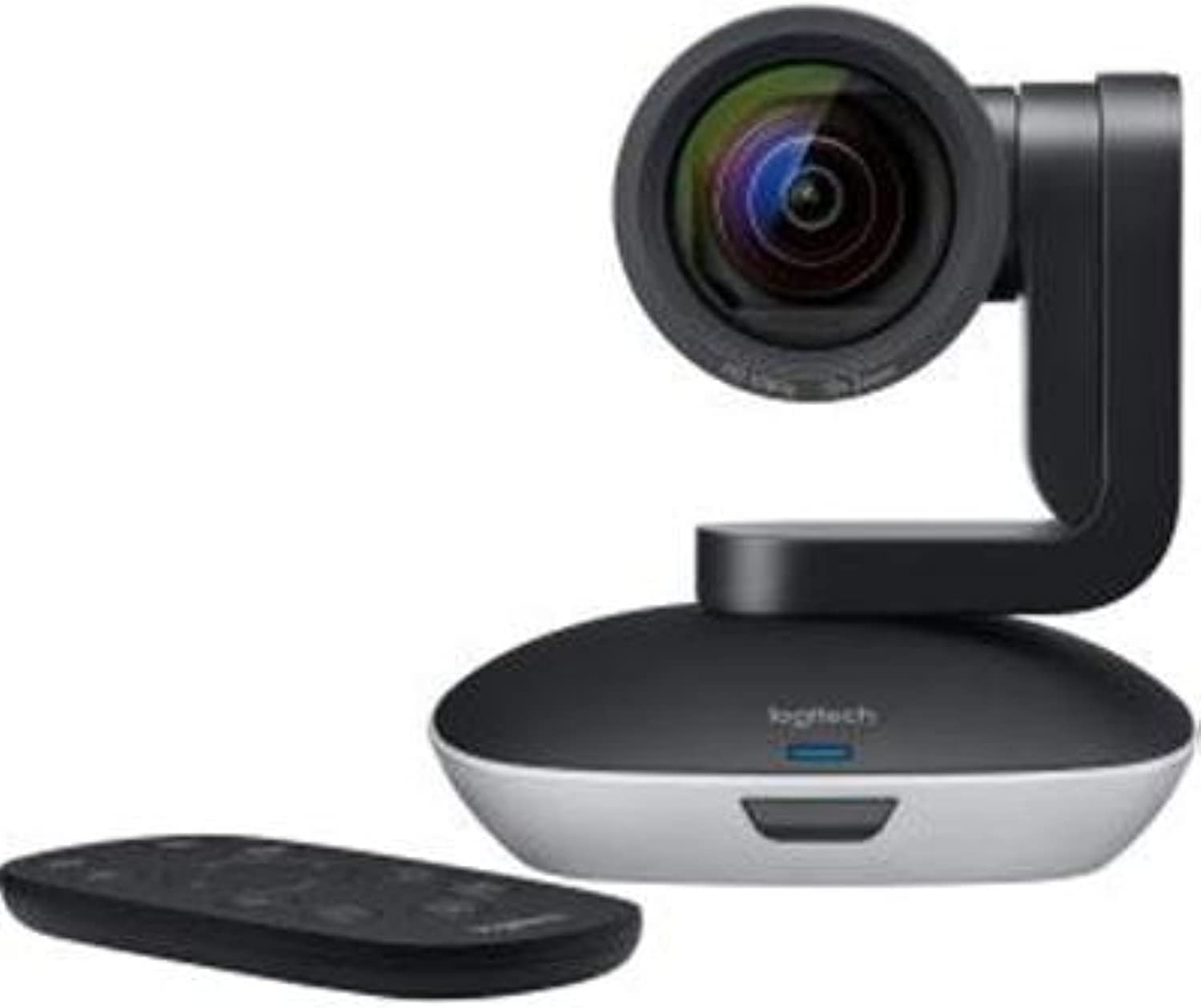
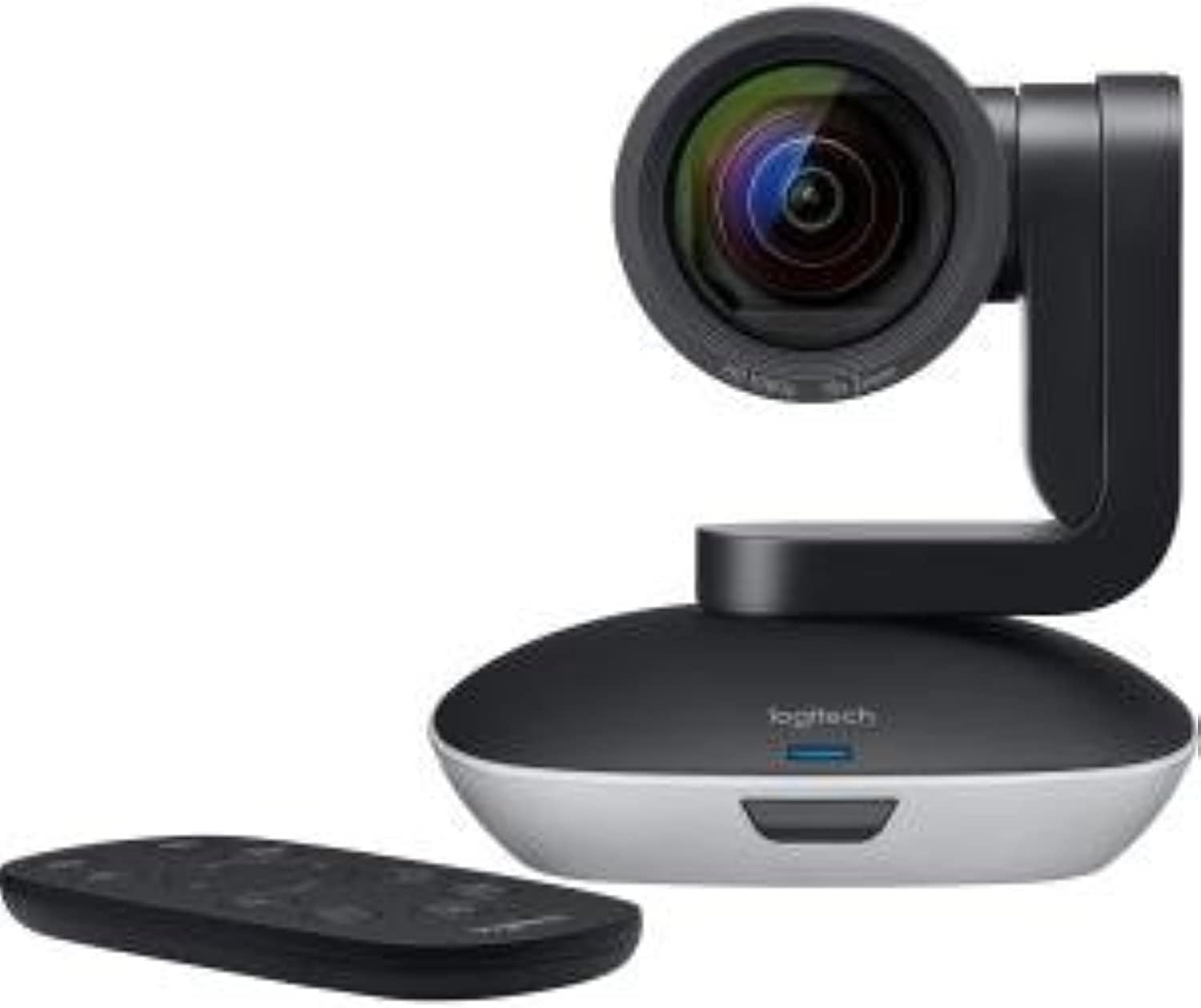
Logitech PTZ Pro 2 camera delivers premium Optics and life-like video calls to create the experience of sitting together in the same room, even if you are a thousand miles away. It sets a new standard for high-quality, professional video with brilliantly sharp image resolution, outstanding color reproduction, and exceptional 10X HD zoom System Requirements: Windows 7 Windows 8.1 or 10macOS 10.10 or higher






Rolando –
Do not buy this product, any laptop camera offers the same quality. Additionally, I returned this item within the allowed time and even after 2 months the seller has not yet given the full refund.DO NOT BUY ANYTHING FROM THIS SELLER!!!
lari –
Produto veio os cabos faltando
Produto bom agora veio faltando os cabos!!!
Dennis Evers G –
I love this brand/ model camera
It is a very useful web camera. Full HD image(recommend a Core i5 or higher pc). In combination with wireless microphones and usb mixer console, my meetings are what I expected: HD image and sound. Very nice…
Fish Tech –
Finnicky to steer, but it may be my configuration
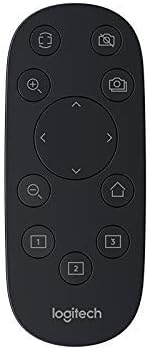
I’m using this camera on a Vidyo HD-3 videoconference endpoint. I have extensive experience installing and maintaining videoconference equipment, and managing multi-point calls using different codec platforms. This was my first time using this camera . This camera is the exact same one that is used with the Logitech Group combo, but with a 5 pin DIN connector straight through to the console. This one has the 5 pin DIN connection, but Logitech uses a 5 pin DIN to USB 2.0 adapter cable with a power injector to make this one go. I also have a USB extender setup that is rated at a max of 150 feet – but I’m only using a 20 foot Cat 6 cable for the extension. So, that stated, it seems a little sensitive to control. It’s really meant for fixed operation, but you can steer it to a position and park it there. However, I find myself overshooting my target, going too much up or down, and finding it difficult to control the zoom. It takes a bit of fiddling around to get it in position. The remote that comes with it is better for steering it, but not much more, than the Vidyo remote I typically use. The remote that comes with this camera has three programmable positions. I recommend the user do all the fiddling around to get it where they want it, then save the setting. That way it’s easy to go back to that location/zoom configuration. Knowing the limitations and the price point I found this one at, I would consider another purchase, but I’d probably take another look to see what’s available. No mic with this camera so no sound quality to rate.
Terrance Houston –
Stop working in less than one year.
I bought this in November 2022 looking for a solution to do video conferencing for one of my groups. I only used about 2 times a month. After about 4 months the remote stop working well. By month 6 the whole system would not even connect to my computer anymore. Very disappointed with the quality of this camera.
Michael B. –
Great Camera
Camera offers great clear pictures. Automatic adjustable lighting and picture Zoom clearity are great. Manual Zoom and 180 degree adjustable direction along with adjustable height is a plus. Nice Camera for video conference applications.
Lowell Prescott –
Disappointing for the price and promise
This camera has been largely a disappointment. It does pan, tilt and zoom most of the time, but it also freezes up regularly and must be power cycled to get unstuck. This is pretty frustrating.Another big problem is the very soft focus and blue shift when used from more than about 5 feet away from the subject. Used at close range, the picture quality is fine, but nothing exceptional. Used from farther away (a capability implied by the degree of zoom available) it’s pretty disappointing. Everything looks like you are seeing it through a soft focus filter, and the colors wash out. It often misreads the light level and either over-exposes or under-exposes the video.Other annoyances… There are only three presets on the remote (and no software option for more). The IR receiver requires the remote to be almost straight ahead. The remote cannot be adjusted for use behind the camera. (In our setup, the camera operator watches the picture on a PC and uses the remote from there to move the camera. But when you press the button to go right, it goes left — because it assumes that you are standing in front of the camera, not behind it. We bought a separate programmable remote and IR extender to work around this.)The available control software is also pretty terrible, and sometimes just plain doesn’t work. It’s almost impossible to control the camera from the PC while also using it to broadcast to Zoom.We are stuck with this camera for now because it was such a big investment and not all of these problems were detected within the 30-day return window. By the time we realized this was a dud, we could no longer return it.My advice: Don’t buy this camera unless you plan to use it up close and with minimal reliance on the panning, tilting and zooming. In other words: Don’t buy this camera.
Amazon Customer –
Great Camera but Color & Orientation Issues
This is a great camera for the price and has a wider capture than other PTZ cameras we tried. The only two gripes I have are that it struggles with color a bit and that there is no driver option to mount it upside-down. For the color we’re using them to capture whiteboards and it struggles with greens and reds fading into the whiteboard. For the driver option it would be nice if there was an option for upside down mounting as not all software has options for rotation and mirroring.
C. Ka –
Great plug and play device!
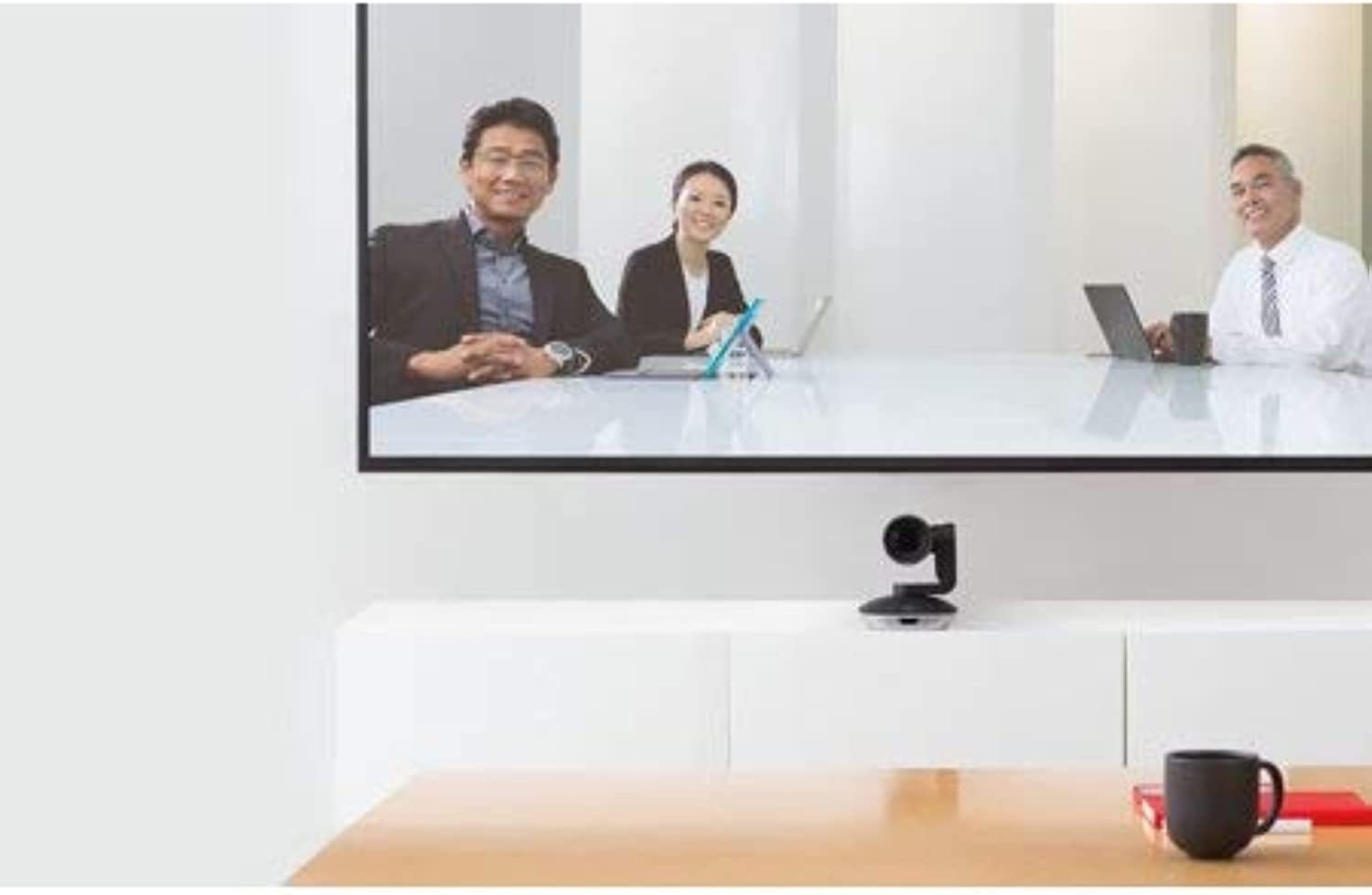
We bought this so we could take meetings from the sofa in our home office. Also bought a USB extension cord so I can have my laptop right in front of me and use the TV we mounted this on as a 2nd monitor. Without the USB extension, I’d have to rig a mic so this way I can use my computer mic and also navigate through a slide presentation or share my screen as needed in my video conferences.I tried another camera before this one that was a little less expensive, but the zoom was terrible. This one has a very clear zoom and is so easy to set up and use. Though it’s expensive, it’s doing a great job for us!
Kevin Armstrong Exp –
Simpe, smart, and effective
I did 26 meetings on Zoom this week, two of them all day sessions. Even when things get back to normal, I’ll still be doing a lot of meetings with clients and prospects so it’s important that you can look as ‘real’ as possible. This camera is easy to set up, simple to use with 3 presets, and presents you very clearly. 5 stars!