







Description
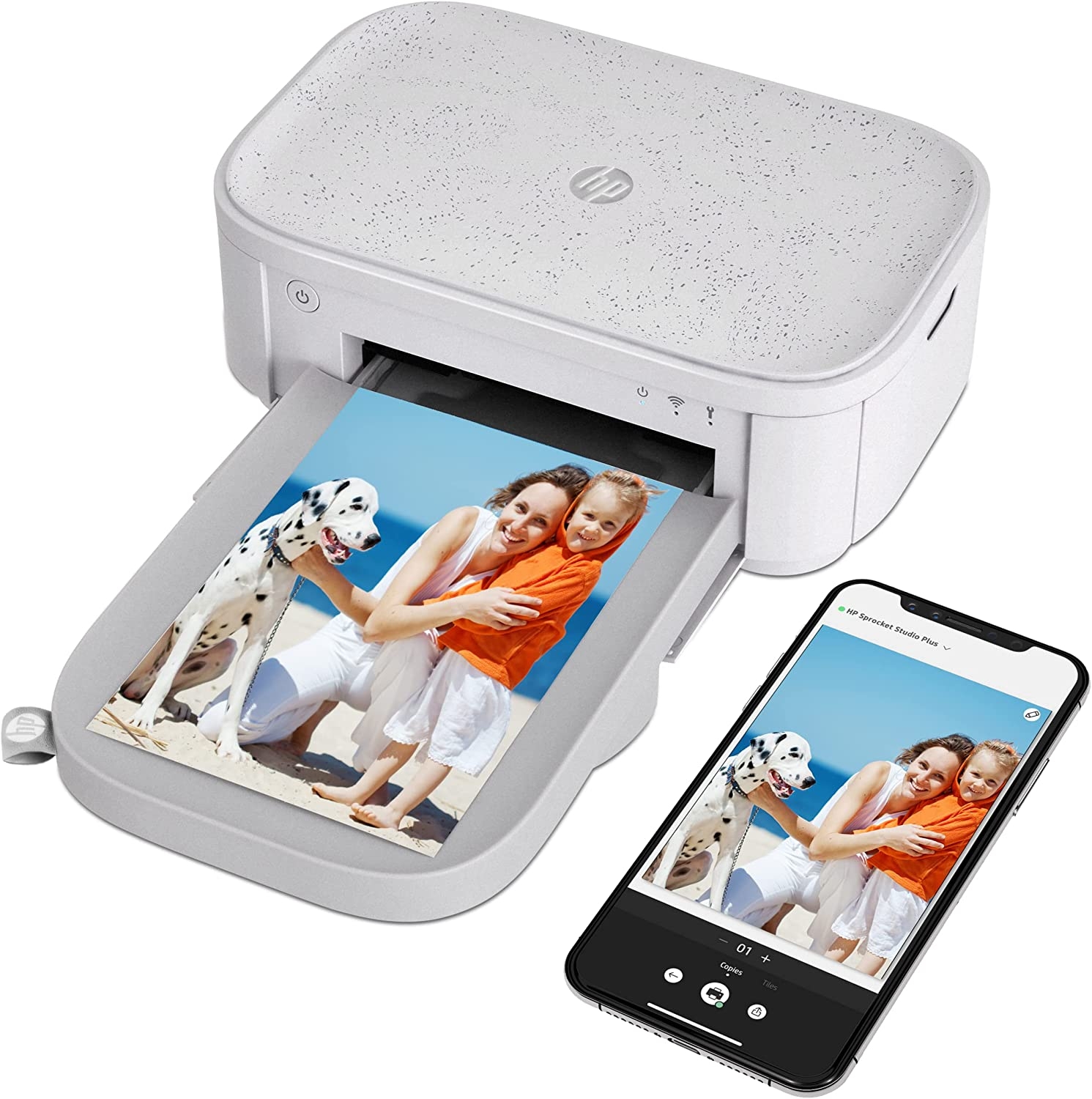
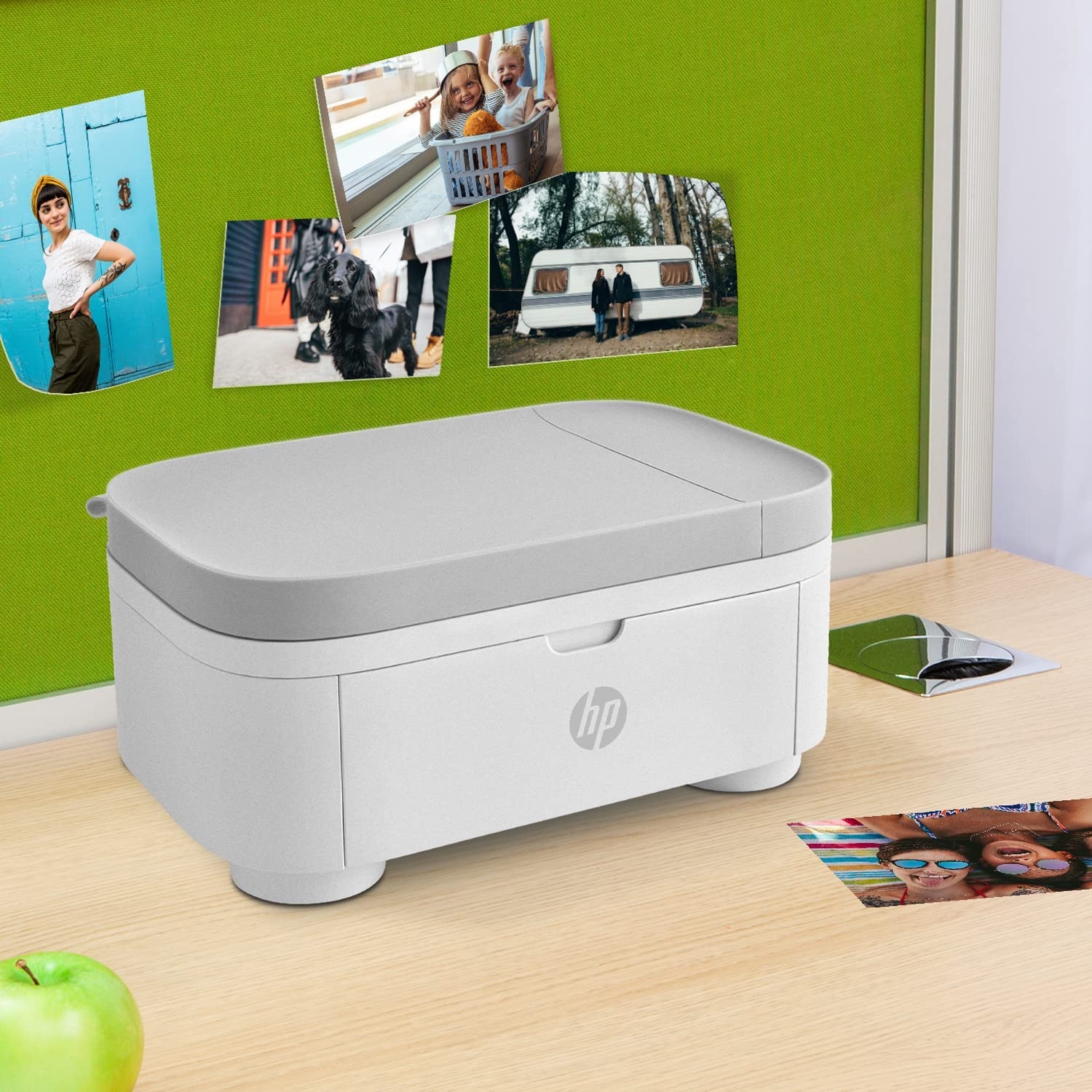
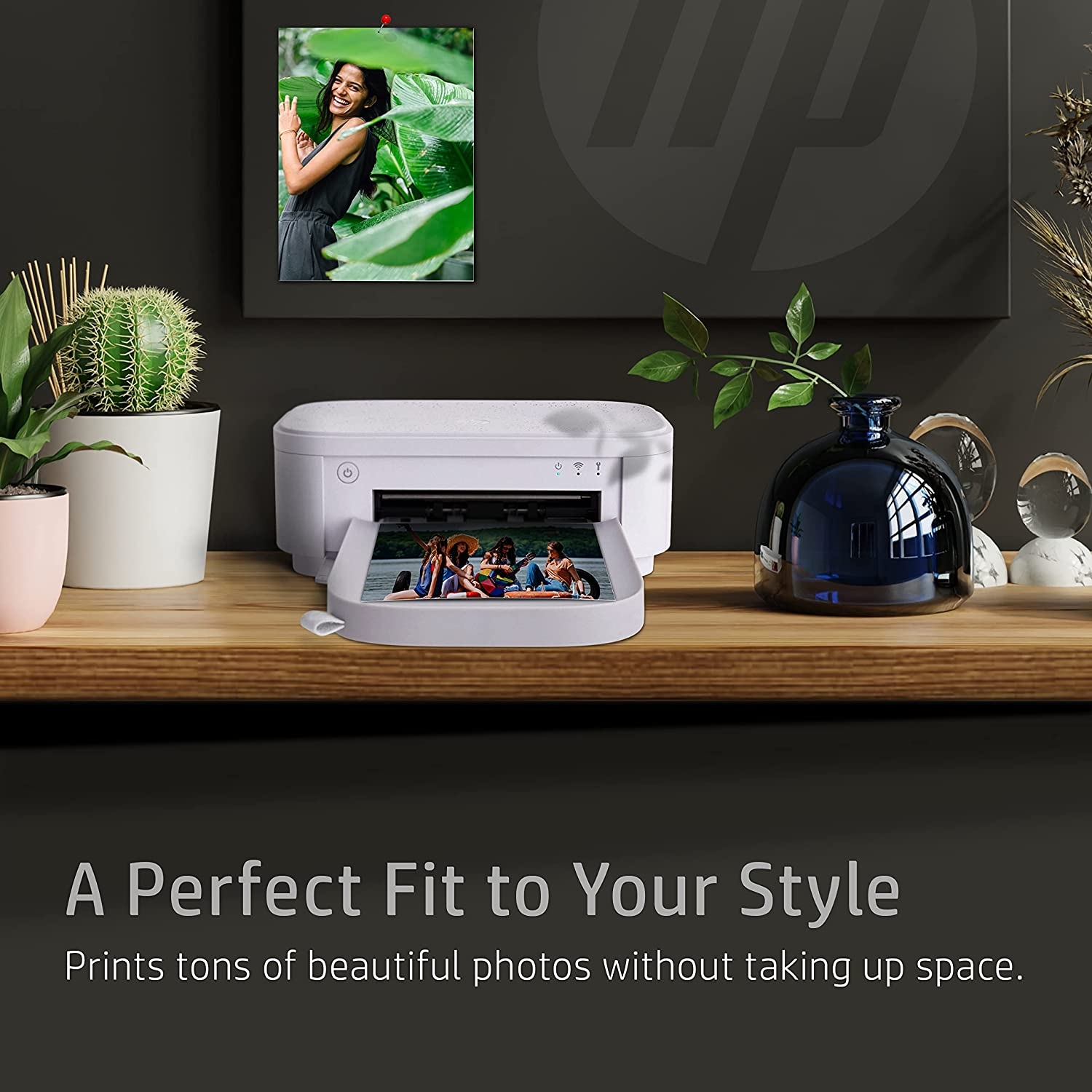
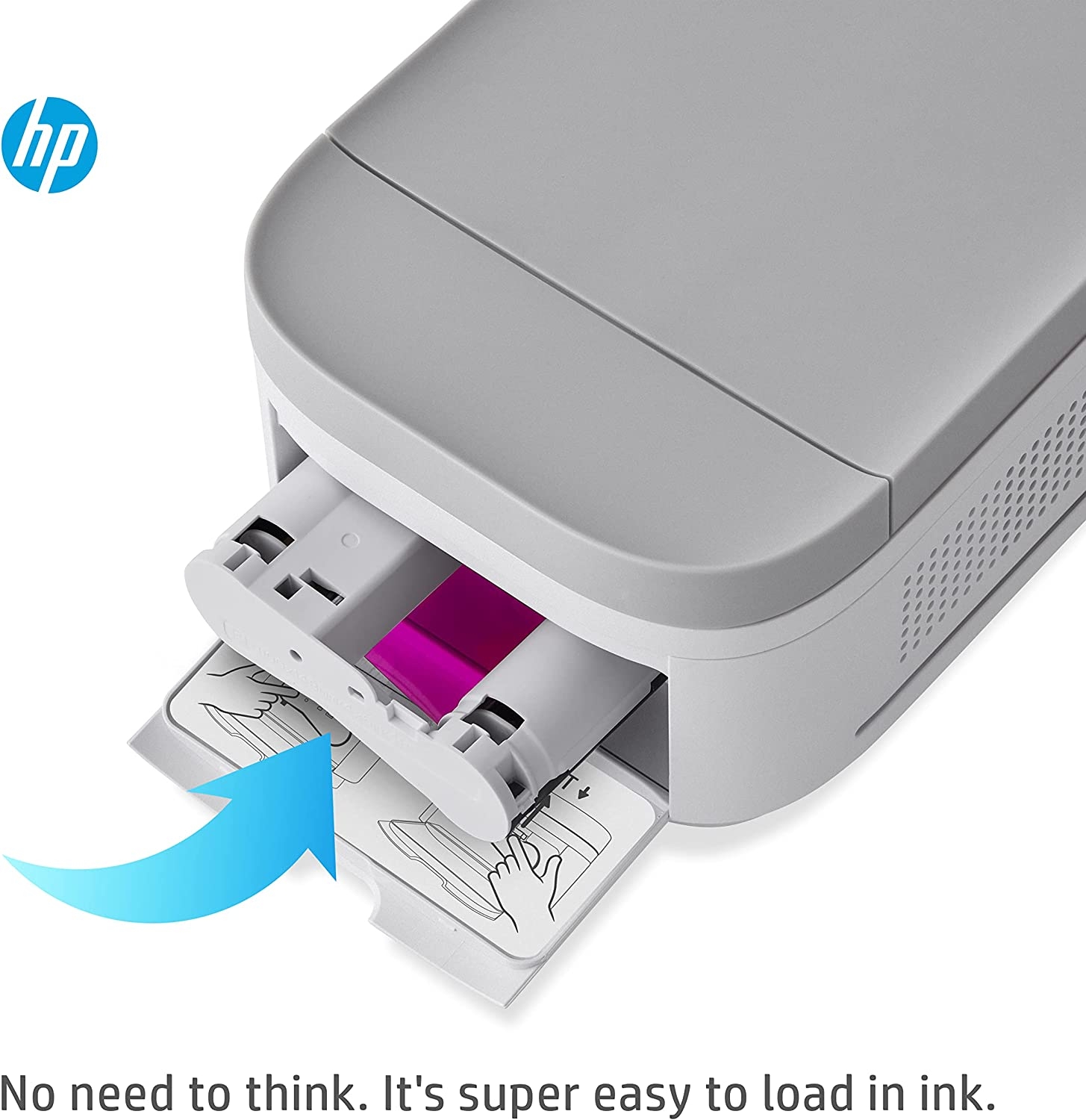
Get everything plus more with the HP Sprocket Studio Plus Printer. This all-in-one printer is the perfect device for printing all those amazing photos you have on your phone. Set up the printer in seconds, download the easy-to-use HP Sprocket app, and connect your smartphone to the printer via Wi-Fi. Now you are all set without a moment wasted. Take pictures, customize them in the photo-editing app, and see your beautiful, captured moments come to life as they are printed. The HP Sprocket Studio Plus Printer creates crisp, detailed prints that you will want to share with friends and family.
From the manufacturer






aaron rodriguez –
Very good for the priceBefore I bought this I read a review that said it took too long. This does connect through wifi so maybe they had bad internet? I literally timed it and it took a little less than 2 minutes. I’ve only printed 3 pictures but I’m impressed with the quality of the pictures. So far, definitely worth the price.
Melissa Norvell –
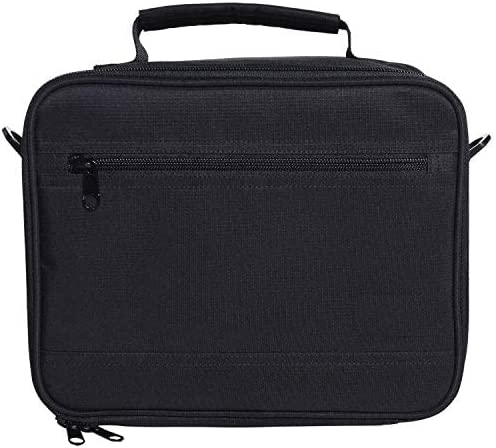
Not perfect but worth the money.This prints out good photos at a decent speed. All in all I love it. It’s small making it easy to travel with, easy to print your pictures and comes with a decent size case. It dosen’t come with much photo paper so you definitely want to order extra when you order the printer. The case is roomy and holds the printer, cables, and a whole box of photo paper. I would recommend buying this.
Vic –
Cute but not as quick and easyHad the device for almost one week and started getting paper jam errors. Could not print in bill and if I printed many photos at a time, it would load too long and only print a few of the first ones I sent through.
Joel –
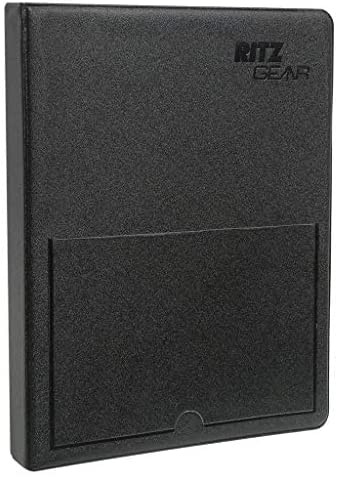
Better than the Kodak photo printerHaving bought 2 of the Kodak printers that failed either entirely or partially I opted for the HP this time. It uses the same type of printing technology as the Kodak unit, but the HP has some fundamental differences in design. First it connects easily via Bluetooth which eliminated the very unreliable and inconvenient wired connection of the Kodak unit. Secondly it permanently attached the paper tray to the printer, which makes it slightly less portable, but far more reliable. The Kodak unit was often telling me that the paper tray wasn’t properly docked when it was. It also runs more quietly, which tells me it is a superior mechanical design. On the downside the Kodak SW allowed me to crop before printing while the HP seems to have this editing feature missing, but it allows other edits for brightness and contrast. If I had it to do again I would not have bought the bundle with the case since the case doesn’t look all that good, was designed for the Kodak and I already had a better Kodak case.
Donna Schuckenbrock –
Terrible! Save your money!I have used this maybe 4 times and now all it does is jam. I have put 3 new cartridges in and now still doesn’t work. Paid too much for it too.
Katie –
It’s okay.I wanted to love this! But it prints so freaking slow!! I needed it for an event where we were printing pictures for kids only about 15-20 of them so I figured this would be a breeze. It took forever to print them! We ended up just printing them off a computer instead. But for personal use where you have all the time in the world it would be okay.
Denise A –
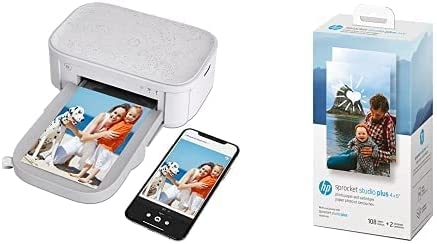
I purchased the Bundle and One of my cartridges was broken and no contact phone numberThe cartidge will only print (10) ten pictures and then you must replace the cartridge. You must let the pictures dry before placing them into a photo album. I like the product but I brought the bundle with two replacement cartridges and one of the cartridges is broken and I cannot get a phone number to speak with Customer Support for a replacement cartridge. Very disappointing.
Pook –
Very disappointed. Case is too short for studio either. I like my HP 200 better.Dislike the carrying case doesn’t fit correctly. Don’t like having to buy a cartridge for every 10. Photos. Quality is nice. I like the collage setting.
Debra K. –
What’s up with the POLAROID bag?Soooo I’m curious why my HP little picture printer came with a POLAROID bag??! It has a bunch of little sections, u can take them out and put your items in the bag, but the bag is much larger than what is shown. It looks like a bag to put a bunch of different camera lenses in. I guess it’ll work, but not what I expected and pretty big and bulky.I haven’t had the chance to use the printer yet. I’ll update that when I do.
Linda Courteaux –
ConvenientI love this printer. Can take it on the go. Works great